
You don’t need a Silicon Valley budget to build a smart creator tech stack. You need the right bones, a few multipurpose tools, and the discipline to skip shiny objects. Let’s ditch the tool FOMO, keep your wallet intact, and still ship great content consistently. Deal? Cool—let’s build a lean, lovable setup that scales with you, not against you.
Start With Strategy, Not Software
Before you subscribe to anything, nail your outcomes. What do you actually create—and how often? Video? Newsletters? Short-form clips? Long-form guides?
Write down:
- Primary format: Video, audio, writing, or images
- Publishing cadence: Weekly? Daily? Launch cycles?
- Distribution channels: YouTube, TikTok, Instagram, LinkedIn, newsletter
- Monetization path: Sponsorships, courses, affiliates, memberships
If a tool doesn’t support one of those outcomes, ignore it. You’ll save cash and brain cells.
Your Lean Core: The Minimum Viable Stack

This is the backbone. Cheap, simple, powerful. You can add fancy stuff later.
- Planning & notes: Google Docs or Notion (free tiers do plenty)
- Asset storage: Google Drive or Dropbox (organize by project)
- Design: Canva Free or Figma (templates = speed)
- Scheduling: Native schedulers (YouTube Studio, Meta Business Suite) before paid tools
- Analytics: Native platform analytics + a simple spreadsheet for tracking
- Email: Substack or Beehiiv free tiers to start
That stack lets you plan, create, publish, and learn—without monthly “oops” charges.
Create Once, Repurpose Everywhere
You produce one core piece each week (video, podcast, or long post), then slice it into micro-content. Why? Because you’re not a content sweatshop.
- Primary: 1 long piece (video/podcast/blog)
- Repurpose: 3-7 shorts, 1-2 carousels, 1 newsletter, 3 tweets/threads
Tools that help (without bloat)
- Captions & clipping: CapCut (free) or Descript (cheap) for easy edits and subtitles
- Transcripts: YouTube’s auto-captions for free transcript fodder
- Templates: Keep 2-3 reusable templates in Canva for thumbnails and carousels
You’ll move faster when you reuse layouts and assets. Not lazy—efficient.
Pick One Tool Per Job (Most of the Time)
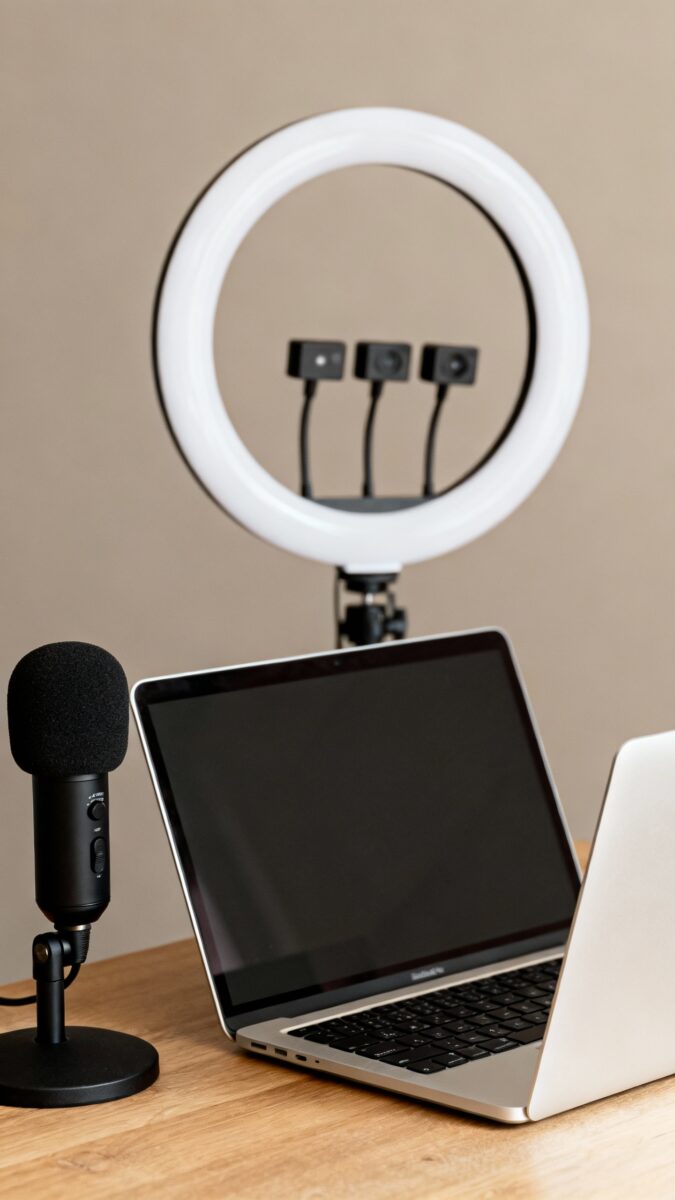
Too many creators pay for overlapping tools “just in case.” Don’t stack subscriptions for bragging rights. Pick a single default for each task.
- Scripting: Notes app or Notion docs
- Video editing: CapCut, iMovie, or DaVinci Resolve (free and powerful)
- Audio cleanup: Audacity (free) or Descript (paid only if you need it)
- Thumbnails & graphics: Canva Free + a handful of premium elements if needed
- Link-in-bio: Free Linktree or your own simple site
IMO, choose the simplest tool you’ll actually use daily. Fancy doesn’t publish.
Automate the Boring, Not the Creative
Automation helps, but only where it won’t mess with your voice. Automate logistics; keep creative judgment human.
Good places to automate
- File organization: Auto-organize footage into dated folders
- Posting reminders: Calendar alerts tied to your content calendar
- Cross-posting: Repurpose.io only if you’re already consistent (otherwise, manual is fine)
- Backups: Sync your project folders to cloud automatically
Where to avoid automation
- Comments and DMs: Reply yourself. Build real relationships.
- Headlines and hooks: Draft with AI, but tweak yourself for tone.
- Thumbnail decisions: Test and trust your taste (and CTR).
Free and Cheap AI That Actually Helps
 software” on monitor” style=”max-width: 100%; height: auto; border-radius: 8px; box-shadow: 0 4px 8px rgba(0,0,0,0.1);” />
AI can speed up your process without turning your content into beige paste. Use it as a collaborator, not a replacement.
- Outlining: Prompt an AI to draft a 10-point outline—then edit hard
- Title ideas: Ask for 20 variations, keep 1-2, discard the rest
- Summaries: Generate show notes from your transcript
- Research: Quick fact checks and topic ideas (verify sources)
FYI: If you pay for any AI, make it a plan that helps across tasks (drafting, rewriting, summarizing), not niche “AI for thumbnails” hype.
Budget Like a Pro: The 30/30/30 Rule
Creators overspend early and regret it later. Use a simple budget split for the first year.
- 30% Tools: Editing, design, hosting. Keep monthly spend under one dinner out.
- 30% Assets: Music licenses, stock footage, templates, fonts.
- 30% Distribution: Occasional ads, giveaways, collaborations.
- 10% Experiments: New tools or courses. Kill fast if they don’t help.
If a tool doesn’t earn back at least 3x its cost in time saved or output improved, cancel it. No mercy.
When to Upgrade (And When to Chill)
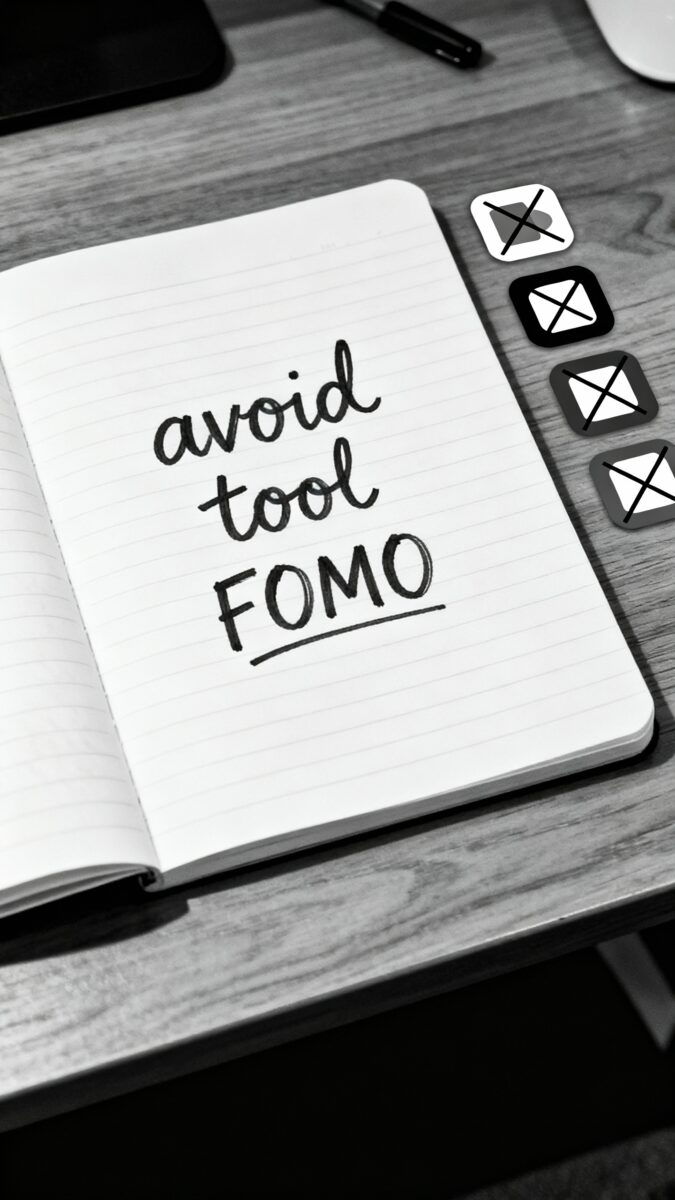
Don’t upgrade because your favorite YouTuber told you to. Upgrade when bottlenecks choke your output.
Upgrade signals
- Time burn: You spend 3+ hours on tasks a tool can automate in 30 minutes
- Quality ceiling: You can’t hit platform standards with your current setup
- Revenue match: A tool pays for itself from creator income, not your day job
Common smart upgrades
- Audio: A decent USB mic (e.g., ATR2100 or Samson Q2U)
- Lighting: One softbox or key light—lighting beats camera every time
- Camera: Use your phone first; upgrade only if you max it out
- Editing: Pay for Descript/Final Cut/Premiere only if you hit limits
Chill on buying lenses “for the vibe.” Your audience cares about clarity, not bokeh wizardry.
Content Ops: Simple Systems That Scale
A lean stack shines when your process stays simple and repeatable.
- Idea capture: One list in Notion or Apple Notes. Always accessible.
- Weekly planning: Pick 1 flagship piece + 3-7 derivatives.
- Templates: Scripts, thumbnails, descriptions, captions—all templated.
- Batching: Record in blocks, edit in blocks, schedule in blocks.
- Review: End-of-week check: what performed, what to double down on.
Small improvements here beat any new tool. Consistency is a growth hack, IMO.
FAQ
What’s the absolute minimum I need to start?
A smartphone, natural light, a free editing app (CapCut or iMovie), and a notes app for planning. Add Canva Free for thumbnails and you’re set. Publish weekly and iterate—skills beat gear.
Should I pay for a social scheduler?
Not at first. Native tools work fine and keep you close to each platform’s quirks. Consider paying only when you manage multiple brands or teams and need approvals and calendars.
How do I avoid tool bloat?
Set a rule: one tool per job, trial first, cancel ruthlessly. Review subscriptions monthly. If you didn’t open it in two weeks, it’s probably dead weight.
Is a newsletter worth it for creators?
Yes. It’s your direct line to fans and doesn’t depend on algorithms. Start free on Substack/Beehiiv, send once a week, and focus on value over length.
When should I invest in better audio or lighting?
As soon as your content cadence stabilizes. Audio upgrades deliver the biggest perceived quality jump. Lighting comes next. Camera upgrades come last.
Which AI tools give the best ROI?
General-purpose AI for outlines, rewrites, and summaries beats niche tools. Pair that with Descript or CapCut for transcripts and quick edits. Always review outputs for tone and accuracy.
Conclusion
A lean creator stack doesn’t cheap out—it prioritizes. Build around outcomes, pick one tool per job, automate the boring parts, and upgrade only when bottlenecks hurt. Keep your process simple, your spending sane, and your publishing consistent. Do that, and your content—and your bank account—will both look ridiculously good.
EXPLORE MORE ON VIBE FOR CREATORS
Learn how to build sustainable income streams and grow with intention inside DIGITAL BUSINESS & INCOME .
Discover tools, platforms, and workflows that support your creative journey in CREATOR TOOLS & RESOURCES .
Discover how artificial intelligence is transforming the creator economy inside AI FOR CREATORS .
Explore powerful tools that help digital creators write, design, and grow faster in AI TOOLS FOR CREATORS .
Learn how to create virtual influencers, digital avatars, and AI-powered creator brands in AI AVATARS & VIRTUAL CREATORS .
Master Pinterest strategy, content creation, and long-term visibility with insights from PINTEREST & CONTENT STRATEGY .
Learn authentic marketing, branding, and audience connection inside MARKETING & BRAND TRUTHS .
Strengthen your confidence, clarity, and inner alignment through PERSONAL GROWTH & MINDSET .
Explore mindset shifts, creator confidence, and intentional growth in CREATOR MINDSET .
Download helpful resources, guides, and tools designed to support your journey in FREEBIES & PRINTABLES .