
You juggle content ideas, filming, editing, posting, analytics, and a cat that insists the tripod is a chew toy. You don’t need more hustle; you need a system. A creator toolkit saves you hours, cuts tools you don’t use, and keeps you from rage-buying yet another “productivity app.” Let’s build the toolkit that actually makes your life easier—and, yes, cheaper.
Audit What You Actually Do (And Stop Doing What You Don’t)
Before you buy anything, map your workflow.
Idea capture, scripting, production, editing, publishing, distribution, analytics, monetization. That’s the loop most creators run. Now ask: where do you waste time?
Duplicate tasks? Manual steps? You’ll find a few obvious culprits—probably file handoffs, thumbnail churn, or posting manually across platforms.
- List your tasks from idea to publish.
- Tag each task with time spent and frustration level (low/medium/high).
- Circle anything repetitive or copy-paste-heavy.
That’s your automation bait.
Quick Win Checklist
- Centralize ideas in one app.
- Template everything: scripts, descriptions, thumbnails.
- Batch similar tasks on one day.
Pick Fewer Tools, Use Them Deeply
Your toolkit should look boring. Why? Because boring tools work.
Mastery beats novelty every time. Core stack (keep it simple):
- Planning: Notion, Trello, or Google Sheets. Use one.
- Writing: Google Docs, Notion, or Craft.
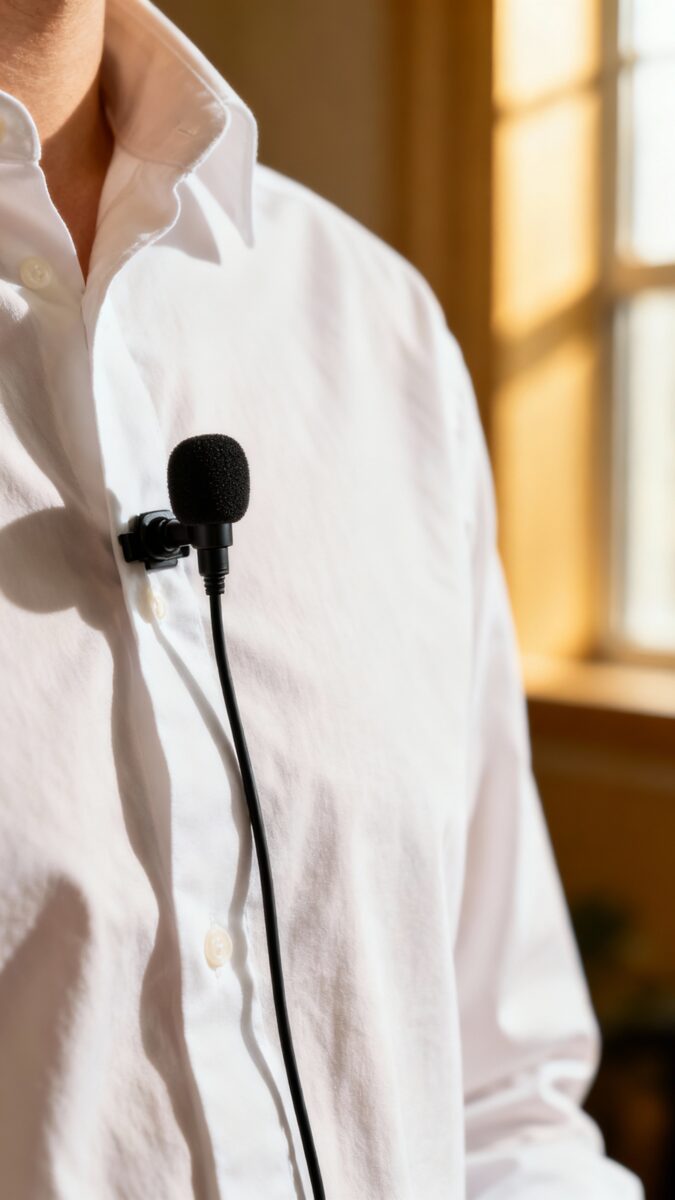
- Recording: Your phone + a decent lav mic. Upgrade later.
- Editing: CapCut, DaVinci Resolve, or Final Cut.
Pick one and commit.
- Design: Canva or Figma. Canva wins for speed.
- Scheduling: Buffer or Later. Or native YouTube scheduling.
- Analytics: Native platform analytics + TubeBuddy or vidIQ for YouTube.
Rule of thumb: If a tool doesn’t replace a painful task or save at least 30 minutes a week, skip it.
IMO, that’s the line between “nice to have” and “money sink.”
Starter vs. Pro
- Starter: Phone camera, $30 lav mic, free CapCut, Canva Free, Google Sheets.
- Pro: Mirrorless camera, Rode Wireless Go, DaVinci Studio/Final Cut, Canva Pro, Notion.
Template Everything (Future You Will Send Cookies)
Templates reduce decision fatigue and speed up production. You don’t need to reinvent your thumbnail font every Tuesday. Make templates for:
- Scripts: Hook → Setup → Value → Proof → CTA.
Done.
- Thumbnails: 2–3 layouts with 1–3 words in bold text.
- Video descriptions: Intro + links + chapters + disclaimers.
- Podcast show notes: Summary, guest bio, highlights, links.
- Email/newsletter: Greeting, main story, links, CTA.
Reusable Asset Library
Store your brand colors, fonts, B-roll, music, intro/outro footage, and overlays in a single folder or cloud drive. Name files like a sane person. You’ll shave minutes off every project.
Automate the Boring Stuff (But Keep the Craft)
You don’t automate the art.
You automate the grunt work. That’s the difference between “creator” and “burned out content mill.” Automations worth setting up:
- Cross-posting: Publish on YouTube, auto-push to Twitter/LinkedIn with a prewritten blurb.
- File flows: New footage uploads → auto-sort to project folder in Google Drive/Dropbox.
- Transcripts: Auto-generate with tools like Descript or YouTube’s captions, then polish.
- Calendars: Content calendar → auto-create tasks with deadlines in your PM tool.
- Snippets: Use TextExpander/Keyboard Maestro for bios, affiliate links, and canned replies.
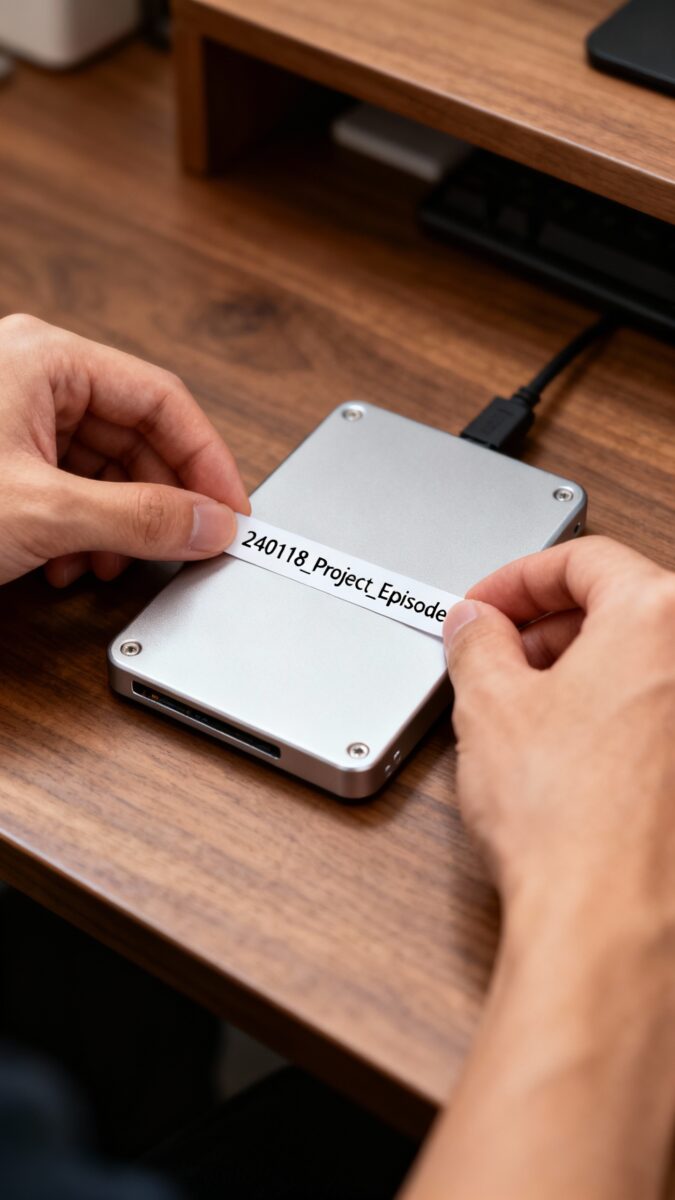
FYI: Automation breaks without clear naming conventions. Use YYMMDD_Project_Episode to keep things tidy.
AI That Actually Helps
Use AI to brainstorm headlines, tighten scripts, draft descriptions, and repurpose long-form into shorts.
Don’t outsource your voice; use it as a first draft or editor. You are the creator; AI is the intern who never sleeps.
Produce In Batches, Not In Chaos
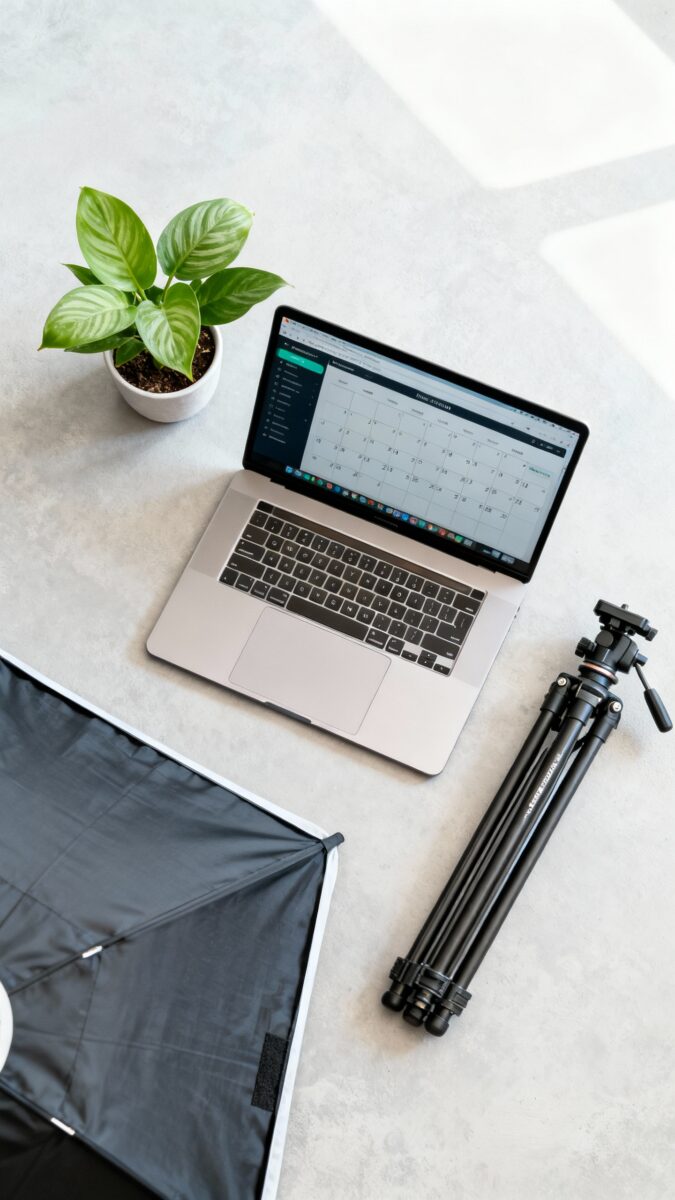
Context switching taxes your brain and your calendar. Batch your workflow so you create at speed. Sample weekly rhythm:
- Monday: Research and outline 3–5 pieces.
- Tuesday: Script and write.
- Wednesday: Record all videos/reels/podcasts.
- Thursday: Edit and design thumbnails.
- Friday: Schedule and engage with comments.
Batching lets you set up lights once, get into flow, and minimize “Where did I put the mic?” moments.
Also, you’ll stop recording at 11 PM like a sleep-deprived raccoon. Win-win.
Time Box Like You Mean It
Give each task a timer. Editing can balloon forever.
Cap it. Done beats perfect. Perfect beats never posted—barely.
Build a Cheap-but-Effective Creator Studio
You don’t need a $5K setup.
You need control over light, sound, and background. That’s it. Low-cost upgrades that matter:
- Lighting: Big window + $40 softbox. Avoid overhead lights that cast shadows.
- Audio: Clip-on lav mic or USB mic (ATR2100/Q2U).
Bad audio kills watch time.
- Background: Keep it clean. One plant. Shelf.
Maybe a neon sign if you insist.
- Tripod: Solid, not wobbly. Phone clamp with a cold shoe mount for the mic.
Pro tip: Lock exposure and white balance on your phone camera so your footage doesn’t look like a weather report.
Storage & Backup Without Tears
Use a 1–2 TB external SSD for active projects. Archive monthly to cheaper HDD or cloud.
Follow the 3-2-1 rule: 3 copies, 2 mediums, 1 off-site. Future you will not cry when a drive dies.
Track What Works, Ruthlessly
You don’t need a PhD in analytics. You need a simple loop: test, measure, double down.
IMO, metrics beat vibes. Track weekly:
- Top 3 performers by watch time or read time.
- Hook retention: Where do people drop?
- Thumbnail CTR: Under 2%? Try new fonts/colors/face expressions.
- Posting cadence: Consistency drives compounding growth.
Log insights in your planning tool. One sentence per piece: “Shorter hook worked,” “Story beats tutorial,” “Blue thumbnail > red.” Then adjust your templates.
The Repurpose Engine
Every piece should spawn children.
One YouTube video = 3 shorts, 1 carousel, 1 newsletter tip, 3 tweets/threads. Build a checklist that reminds you to slice, caption, schedule, and link back to the original.
Monetize Without Selling Your Soul
Your toolkit should also help money show up. Not by magic—by making offers easy. Set up once:
- Affiliate hub: One page with your go-to links.
Use Pretty Links/Bitly for tracking.
- Digital products: Gumroad/Shopify/ConvertKit Commerce for ebooks, presets, templates.
- Sponsorship kit: One-pager with your audience stats, formats, rates, and contact.
- Lead capture: Simple landing page + lead magnet aligned with your content.
Make it frictionless for fans to support you. And yes, you can charge. You deliver value.
The internet will survive.
FAQ
What’s the minimum setup I need to start?
Use your phone, natural light, a $30 lav mic, free editing (CapCut), and Canva for thumbnails. That combo can produce professional content if you focus on story and sound. Upgrade only when bottlenecks become obvious.
How do I stop wasting money on subscriptions?
Audit monthly.
Cancel anything you didn’t open in 30 days. Consolidate features—one tool that does 80% beats three that do 30% each. Pay annually only after three months of consistent use.
Should I outsource editing?
Outsource when editing blocks you from publishing or scaling.
Create a style guide, share your templates, and assign a test project. Keep feedback tight and visual (time-stamped notes). If you can’t brief it, you’re not ready yet.
How many platforms should I post on?
Start with one primary platform and one secondary for repurposed clips.
Nail the format and cadence before expanding. Spreading thin = mediocre everywhere. Depth wins.
Which metrics matter most?
Watch time/retention for video, click-through for thumbnails, saves/shares for social posts, and email open/click rates.
Track weekly, review monthly trends, and change one variable at a time. Data, not drama.
Can AI replace my creative process?
Nope. AI can accelerate research, drafting, and repurposing, but your taste, stories, and voice make the content worth watching.
Treat AI like a fast assistant, not the director.
Conclusion
A great creator toolkit looks simple because it removes decisions. Map your workflow, pick fewer tools, template hard, automate the boring bits, batch production, and track what actually works. Start lean, iterate fast, and spend where bottlenecks demand it.
Your time is your edge—protect it, and the money follows.
EXPLORE MORE ON VIBE FOR CREATORS
Learn how to build sustainable income streams and grow with intention inside DIGITAL BUSINESS & INCOME .
Discover tools, platforms, and workflows that support your creative journey in CREATOR TOOLS & RESOURCES .
Discover how artificial intelligence is transforming the creator economy inside AI FOR CREATORS .
Explore powerful tools that help digital creators write, design, and grow faster in AI TOOLS FOR CREATORS .
Learn how to create virtual influencers, digital avatars, and AI-powered creator brands in AI AVATARS & VIRTUAL CREATORS .
Master Pinterest strategy, content creation, and long-term visibility with insights from PINTEREST & CONTENT STRATEGY .
Learn authentic marketing, branding, and audience connection inside MARKETING & BRAND TRUTHS .
Strengthen your confidence, clarity, and inner alignment through PERSONAL GROWTH & MINDSET .
Explore mindset shifts, creator confidence, and intentional growth in CREATOR MINDSET .
Download helpful resources, guides, and tools designed to support your journey in FREEBIES & PRINTABLES .