You want something you can build this weekend and start selling on Monday? Perfect. No giant startup plan.
No “I’ll do it someday” folder. Just simple digital products you can create fast, package nicely, and ship. You’ve got ideas.
Let’s turn them into money and momentum—without crying over custom code or print-on-demand delays.
Pick a Tiny Problem (and Solve It Beautifully)
You don’t need a revolutionary app. You need a tiny, annoying problem you can solve so well people happily pay $9–$49. What frustrates your audience?
What do they Google at 11:47 PM? Brainstorm a few niches you know decently well:
- New managers confused about 1:1s
- Freelance designers needing client templates
- Beginner runners who want a 4-week plan
- Indie makers keeping messy content calendars
Circle one. That’s your sandbox for the weekend.
Templates That Save Time (People Love “Done-For-You”)
Templates win because they scream relief.
You’re not selling a file. You’re selling not starting from scratch.
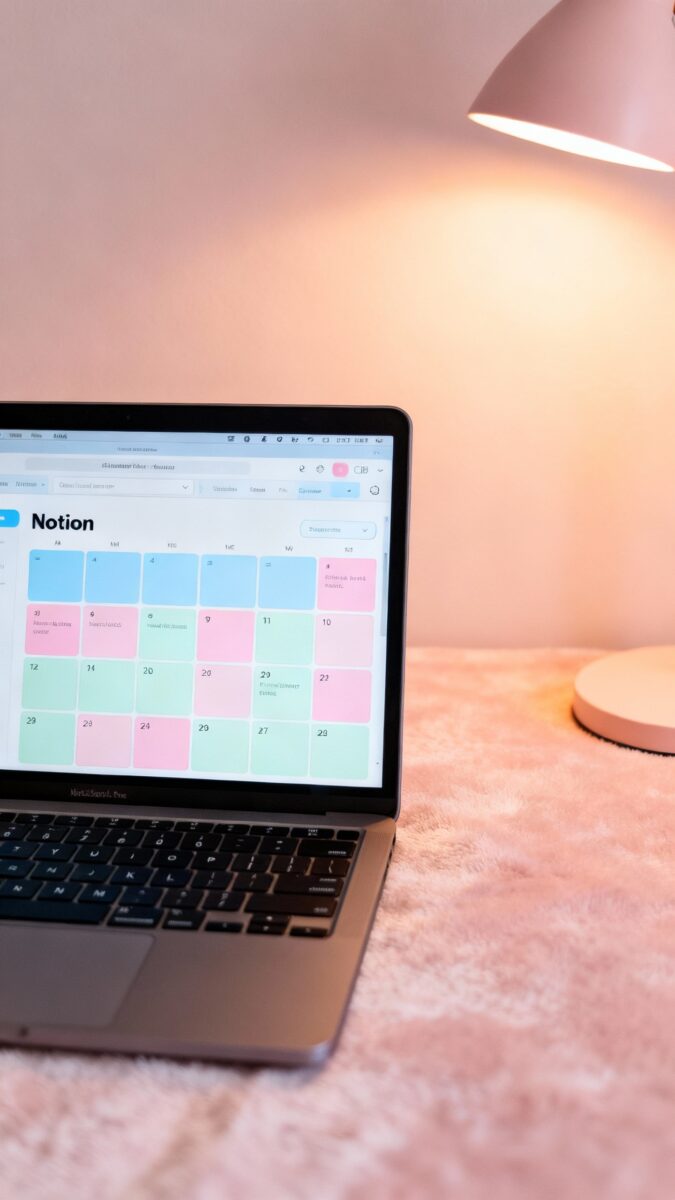
- Notion or Google Sheets dashboards: content calendars, habit trackers, budget planners, freelance CRMs.
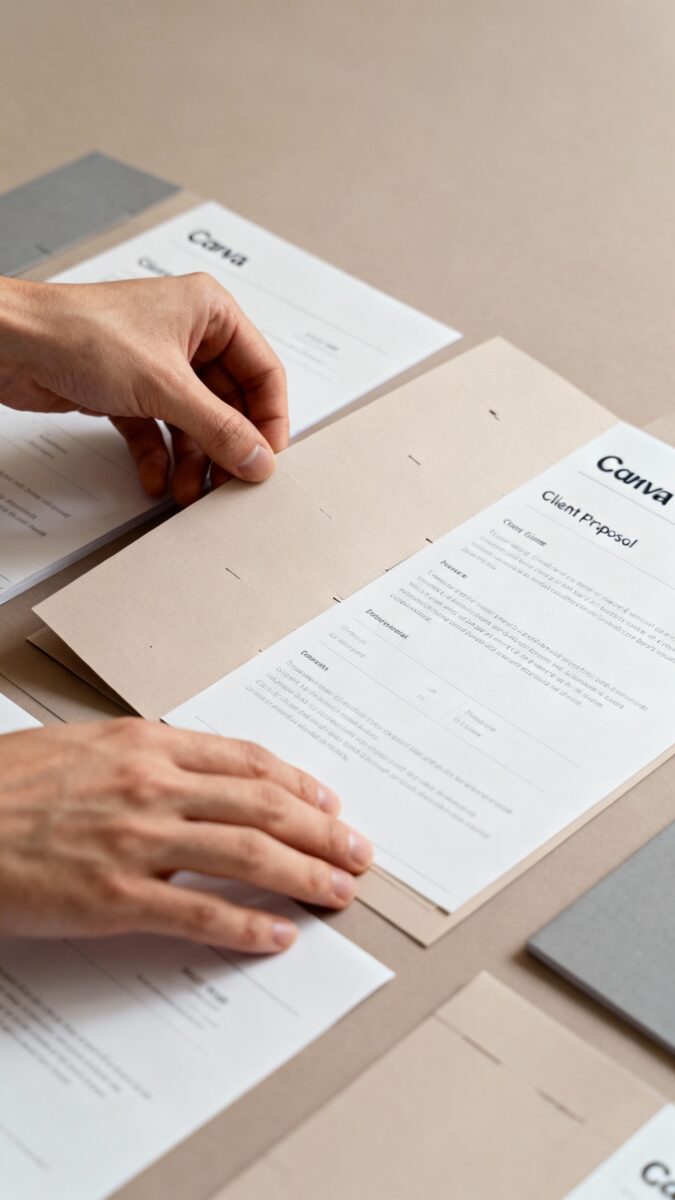
- Canva templates: social media carousels, lead magnet designs, resume kits, client proposals.
- Email swipe files: launch sequences, client onboarding emails, follow-up templates.
How to make them quickly
- Pick one core use case (e.g., “Client Proposal Kit for Designers”).
- Create 3–5 versions (minimal, bold, elegant) to make it feel premium.
- Record a 5-minute walkthrough. People love a quick tutorial.
Pricing
- Single template: $9–$19
- Bundle: $29–$49
IMO, bundles sell better because they feel like a complete solution, not just pixels.
Mini-Courses That Don’t Make You Cry
No one wants a 20-hour epic course.
They want one outcome, fast. Think “Weekend Workshop,” not “PhD in Productivity.” Examples:
- “Build a Portfolio in 48 Hours”
- “4-Email Cold Outreach System”
- “Beginner Podcast Setup: Script, Record, Publish”
Your quick course structure
- Lesson 1: What we’re building + quick win
- Lesson 2: Tools + setup
- Lesson 3: Build the thing (screen share)
- Lesson 4: Polish + ship
- Bonus: Templates or checklists
Record with Loom or Zoom, upload to Gumroad, Kajabi, or a Notion page with embedded videos. FYI, Notion + Gumroad = low effort, high speed.
Guides, Playbooks, and Swipe Libraries
If you can teach a process, you can sell a playbook.
Keep it short, punchy, and extremely practical. No fluff. People pay for clarity.
Ideas:
- “LinkedIn Content Playbook for Job Seekers”
- “30 Hooks for Instagram Reels”
- “One-Page Brand Strategy for Freelancers”
- “Podcast Pitch Script Library”
Packaging tips
- PDF + copyable Google Doc + bonus checklist
- Include real examples with annotations
- Add a 1-page “Do This Today” plan at the end
Keep it under 40 pages. If they finish it in one sitting, they’ll recommend it. Attention spans left the building a while ago.

Toolkits and Resource Packs
Some people don’t want “learning.” They want assets they can plug into their workflow.
Enter the toolkit.
- Creator starter kits: B-roll packs, sound effects, thumbnail PSDs, caption templates.
- Business toolkits: client contract templates, onboarding forms, project timeline calculators.
- Marketing kits: UGC brief templates, ad headline banks, landing page section blocks.
Bundle at least five assets. Add a setup guide. Include a “Start Here” file.
You’re not just selling files; you’re selling the peace of mind that nothing’s missing.
Micro-Software Without Code (Yes, This Weekend)
You can build a tiny app with no-code tools and sell access. Don’t overthink it. Build a single-purpose tool.
No-code options:
- Glide or Softr for simple apps
- Tally or Typeform for calculators + gated results
- Airtable + Make/Zapier for automation packs
Examples:
- Headline grader or subject line tester (scoring + suggestions)
- Content idea generator with categorized prompts
- Client proposal price estimator
Monetize with one-time fee for lifetime access or a tiny subscription ($5–$9/month). Keep it cute, useful, and stable.
Printables and Digital Downloads That People Actually Use
Yes, printables still sell. Parents, teachers, planners, and hobbyists love them.
Make yours hyper-specific. Hot niches:
- Meal prep planners for specific diets (gluten-free, paleo, budget)
- Homeschool modules for specific age groups
- Wedding planning checklists for short timelines (60 days!)
- Hobby planners: gardening logs, running logs, reading journals
Where to sell
- Gumroad for simple storefronts
- Etsy for search traffic (optimize titles with keywords)
- Payhip for EU-friendly VAT handling
Package and Publish Fast
You can ship in 48 hours if you keep it simple. Here’s a quick launch checklist that won’t eat your weekend.
- Define the problem: Write a one-sentence promise. “Create a client proposal in 20 minutes.”
- Build the MVP: 1–3 core files.
Add a short video walkthrough.
- Write the sales page:
- Who it’s for
- What’s included (bullet list)
- How fast they’ll get results
- One guarantee (even a simple “not for you? email me”)
- Price it: Start at $15–$49. You can raise later.
- Publish: Gumroad, Etsy, or your site. Add 3–5 screenshots/mockups.
- Promote: Post 3 angles:
- Behind the scenes (“I built this because X annoyed me”)
- Quick win demo (30-second video)
- Testimonials/beta feedback (even from friends who tried it)
Make It Look Premium Without Designer Tears
Perception matters.
You can make simple assets look polished, quickly.
- Use mockups: Placeit or Canva smartmockups for nice product images.
- Consistent visuals: Pick two fonts, two colors. Done.
- Short demo videos: 30–60 seconds showing the outcome, not the menu bar.
- Customer onboarding: “Start Here” PDF with links and a 2-minute intro video.
IMO, a clean sales page with clear benefits beats fancy branding all day.
FAQ
How do I choose between templates, courses, and toolkits?
Pick the format that matches your audience’s energy. If they’re busy and overwhelmed, templates win.
If they love step-by-step guidance, go with a mini-course. If they want assets they can plug in today, a toolkit hits the spot.
What if I don’t have an audience yet?
No problem. Pick a niche with built-in communities (Reddit, Facebook groups, LinkedIn).
Make something specific for that community, then share genuinely helpful posts and a soft CTA. SEO-friendly platforms like Etsy or Gumroad Discover can also bring early momentum.
How do I prevent people from reselling my stuff?
You can’t stop every bad actor, but you can discourage it. Add light licensing terms, include watermarked previews, and give buyers ongoing updates so the legit version stays better.
Most buyers are honest if you deliver real value.
What tools do I actually need to start?
Keep it lean: Canva or Figma for design, Google Docs/Sheets or Notion for content, Loom for quick videos, and Gumroad/Payhip/Etsy to sell. That’s it. Fancy stacks are optional.
Speed matters more.
How do I price my first product?
Start affordable and fair: $9–$49 for most weekend builds. If your product replaces a $200 headache or saves hours every week, go higher. Raise prices with updates and social proof.
Your first goal is learning and momentum, not perfection.
Do I need to offer refunds?
Offering a simple, friendly refund builds trust. Set clear terms (e.g., 7–14 days). Very few people abuse fair policies.
If someone does, that’s tuition for a better business.
Wrap It Up (Then Ship It)
You don’t need a huge plan. You need a tiny product that solves a real problem and a simple page that says what it does. Build it, package it nicely, and ship.
Then improve it next week with feedback. FYI: momentum beats perfection, every time. Now go make something people thank you for.
EXPLORE MORE ON VIBE FOR CREATORS
Learn how to build sustainable income streams and grow with intention inside DIGITAL BUSINESS & INCOME .
Discover tools, platforms, and workflows that support your creative journey in CREATOR TOOLS & RESOURCES .
Discover how artificial intelligence is transforming the creator economy inside AI FOR CREATORS .
Explore powerful tools that help digital creators write, design, and grow faster in AI TOOLS FOR CREATORS .
Learn how to create virtual influencers, digital avatars, and AI-powered creator brands in AI AVATARS & VIRTUAL CREATORS .
Master Pinterest strategy, content creation, and long-term visibility with insights from PINTEREST & CONTENT STRATEGY .
Learn authentic marketing, branding, and audience connection inside MARKETING & BRAND TRUTHS .
Strengthen your confidence, clarity, and inner alignment through PERSONAL GROWTH & MINDSET .
Explore mindset shifts, creator confidence, and intentional growth in CREATOR MINDSET .
Download helpful resources, guides, and tools designed to support your journey in FREEBIES & PRINTABLES .