
The quickest way to level up your creative game? Let AI handle the drudge work while you focus on the magic. Think smarter automations, sharper ideas, and less time shuffling files. If you’re a creator who dreams in pixels, sketches, and punchy captions, you’re in the right place.
Smart productivity starts with the right tools
Ever tried to juggle 10 tasks at once and felt like a circus act? Same. The trick isn’t more effort; it’s better tools. AI-powered productivity aids can draft, organize, and optimize your workflow so you spend more time making stuff people actually care about. FYI, you don’t need to become a tech wizard to use them. You just need to pick a few that fit your vibe and let them do the heavy lifting.
All-in-one assistants that actually feel like a sidekick
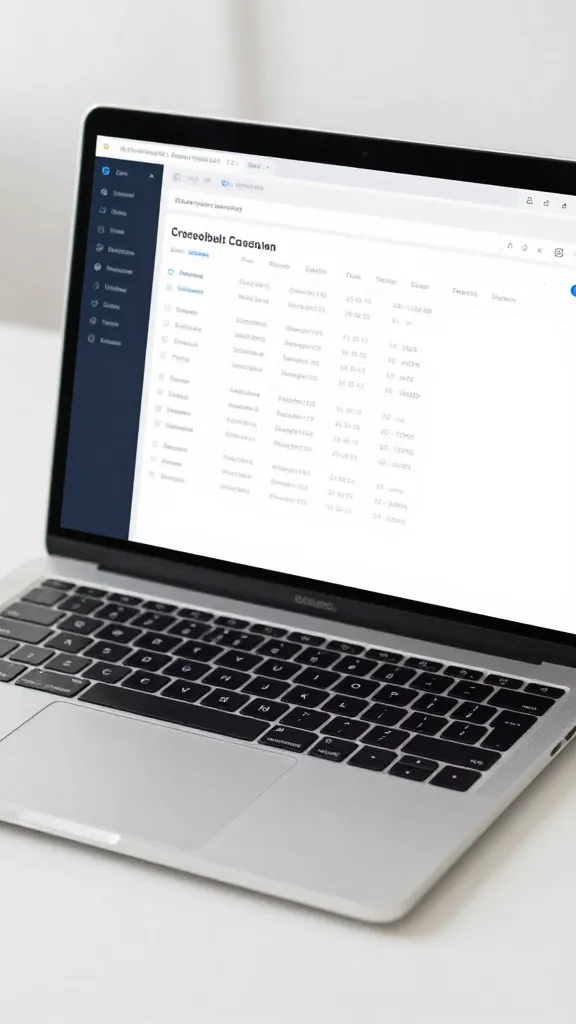
If you want a single command center for drafts, outlines, scheduling, and quick edits, these companions are worth a look.
Notion with AI — Notion isn’t just a note app anymore. The AI features help you brainstorm ideas, generate outlines, and structure your project plans. It’s like having a tiny editor, researcher, and project manager in one place. Want to map out a video script or plan a launch? Notion can handle it without you having to bounce between 10 tabs.
Notion tip: Create a content hub with templates for ideas, outlines, and task trackers. It scales with you, so you don’t outgrow it after a single project.
ClickUp AI — If you’re chasing deep project management with smart prompts, ClickUp’s AI features help you convert rough notes into actionable tasks, estimate timelines, and keep your calendar clean. It’s perfect for creators juggling multiple channels or teams.
When to pick an all-in-one:
- You hate switching apps mid-flow
- You want automatic task breakdowns from rough ideas
- You crave clean, shareable project docs
Ideas to drafts in minutes — AI writing assistants
Bad first drafts? We all write them. AI writing assistants can speed up your scripts, captions, and descriptions while preserving your voice.
OpenAI’s ChatGPT or GPT-4 based tools — Great for rapid outlines, script rewrites, and punchier copy. Use it to brainstorm hooks, generate B-roll ideas, or polish your voice. Pro tip: give it a clear brief and push back on what it suggests to keep your personality intact. IMO, the best AI writing shines when you use it as a co-writer, not a ghostwriter.
Grammarly + AI enhancements — Not just grammar police. The AI-assisted clarity and tone suggestions help you keep your audience engaged, without sounding pretentious. It’s like a language coach with a sense of humor.
Deep dive: maintaining your voice
- Start with a quick voice memo or sample text that captures your style.
- Ask the AI to imitate that tone, then revise until it feels right.
- Always add a personal line or quip at the end to keep it yours.
From idea to publish — automation for creators who ship
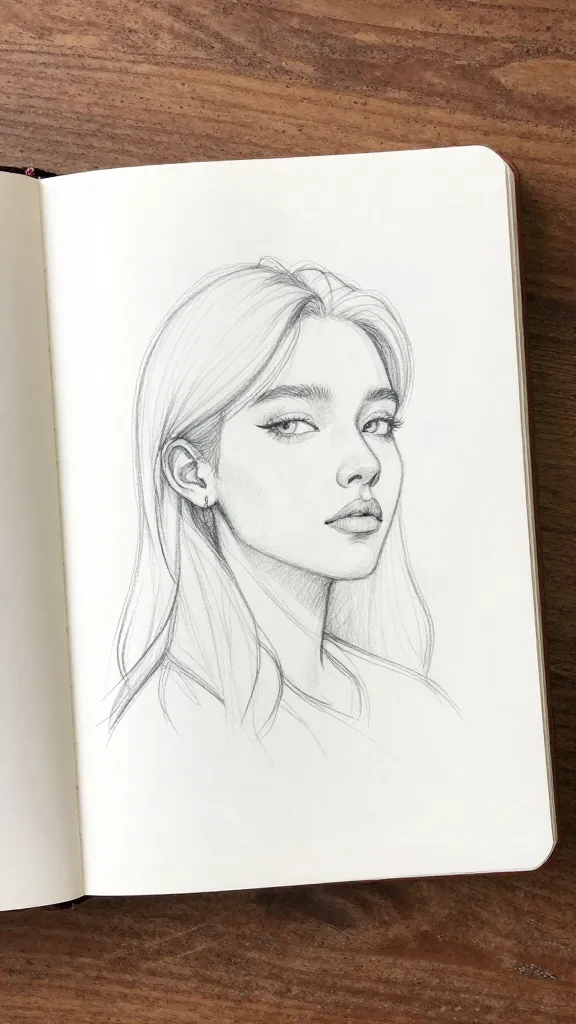
Publishing workflows can eat time. Automations help you go from draft to live with fewer friction points.
Zapier / Make (Integromat) — Automate repetitive publishing tasks: post to social channels, queue newsletters, or generate thumbnail prompts after you save a draft. Set triggers like “new video script ready” and have tasks cascade without you lifting a finger.
IFTTT — Simpler automations for quick tasks. Want to auto-share your latest Instagram Reel to your blog or newsletter? IFTTT can handle that with minimal setup.
Helpful automation patterns
- New project created -> generate task list and calendar schedule
- Script finalized -> generate thumbnail concept and social captions
- Video uploaded -> publish across platforms on a chosen schedule
Design and assets on autopilot — AI for visuals and branding
Creatives aren’t just writers; you’re designers, editors, and brand voices. AI can help you keep visuals consistent and punchy without draining your time.
Canva with AI features — Canva’s AI assists with layout suggestions, color palettes, and automatic design tweaks. It’s handy for thumbnails, social graphics, and simple brand assets. FYI, it won’t replace your eye for detail, but it speeds up the first pass considerably.
Midjourney / Stable Diffusion — If you’re into custom visuals, these AI image tools help you generate concepts, mood boards, and experimental art. They’re great for inspiration and rapid prototyping, but you’ll want a human touch for final polish.
Maintaining a cohesive look
- Create a simple brand kit: fonts, colors, and a few layout templates
- Use AI to generate multiple thumbnail options — then pick the vibe that matches your brand
- Always run a quick visual audit to ensure consistency across posts
Audio, video, and editing — AI that trims the bloat
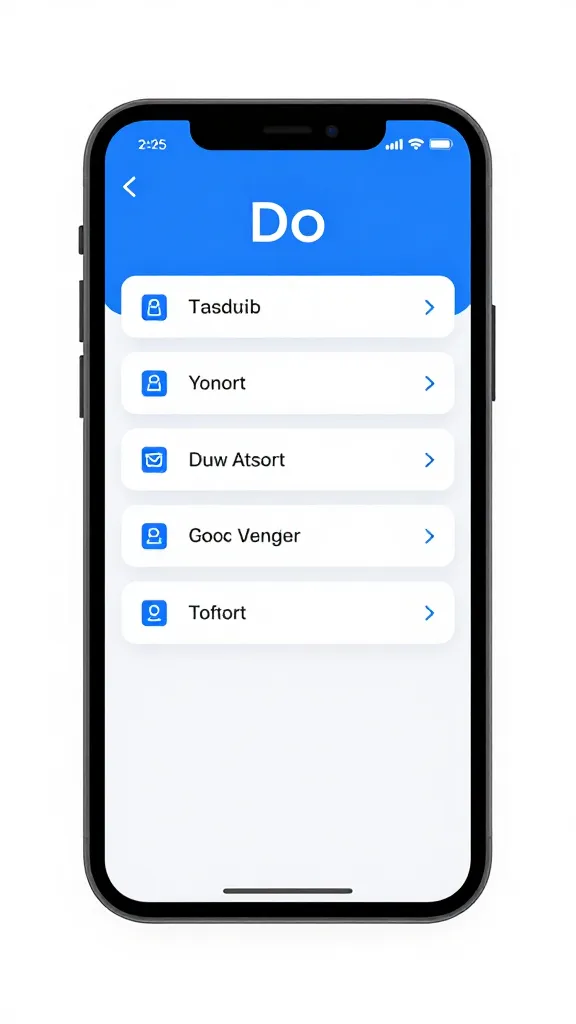
If your content leans on sound and motion, these tools help you polish faster and smarter.
Descript — The audio/video editor that doubles as a transcript wizard. Overdub your voice for minor corrections, edit like a text document, and remove umms with a single click. It’s the kind of tool you don’t want to live without once you try it.
Runway AI — For video editing with AI-assisted features like background removal, color grading, and rapid compositing. It’s especially friendly for creators who want professional results without hiring an entire post team.
Pro tips for clean edits
- Stash your best takes in a labeled library to speed up searches
- Use AI to generate alternative takes or cuts for A/B testing
- Keep a consistent audio level across videos with automatic normalization
Organization that doesn’t feel like a chore
Your files should disappear into a well-ordered system, not a black hole.
Folder AI and smart tagging — Some tools automatically tag assets by content, voice, or context. This makes searching a breeze and reduces the “where did I save that?” anxiety.
Evernote with AI — If you’re a note hoarder (and proud of it), AI enhancements help you tag, summarize, and pull related notes fast. It’s like having a librarian who actually cares about your ideas.
Organize like a pro in 3 steps
- Create a predictable folder hierarchy that mirrors your workflow
- Tag assets with consistent keywords
- Regularly prune and archive old files to keep things light
Everything you need to know before you buy-in
Before you sprint out and subscribe to every shiny tool, a quick reality check.
Start small — Pick 1–2 tools that tackle your biggest bottlenecks. Install, learn, and optimize your workflow around them.
Free tiers are friends — Test-drive with free plans or trials. Your budget will thank you later when you’ve found a couple that truly fit.
Privacy and ethics — Do a quick audit of data handling. Some AI tools train on user content. If that bothers you, look for options with good privacy policies or opt out of data sharing where possible.
FAQ
Do I really need AI tools, or can I stick to manual workflows?
AI tools aren’t a magic wand, but they remove repetitive friction. If you want to ship more consistently, faster, and with less burnout, AI can be a serious upgrade. You’ll still do the creative work; you just get to skip the tedious bits.
How do I maintain my voice while using AI?
Give the AI a strong brief that captures your tone, then edit the output to insert personal touches. Keep a short approved phrase list you can reuse, and inject your latest witty quip or comment to keep it fresh.
Which AI tool should I start with if I’m a solo creator?
Start with a lightweight, multi-use option like Notion with AI or Canva with AI. They cover planning, drafting, and asset creation without overwhelming your setup. You can layer in more specialized tools once you’re comfortable.
Are these tools expensive?
Costs vary, but there are generous free tiers and affordable plans. Prioritize tools that save you the most time per dollar spent and scale up only when you truly need more capacity or features.
Can AI replace my editor or designer?
Not likely. AI speeds up drafts and rough work, but human touch remains essential for nuance, brand alignment, and creative direction. Use AI as your co-pixer, not your replacement.
Conclusion
If you’re chasing momentum, the best AI productivity tools for creators aren’t about replacing your brain, they’re about doubling your output with less stress. Start with a couple that fit your flow, tune them to your voice, and watch your ideas move from rough sketch to polished masterpiece faster than you thought possible. IMO, the real win is reclaiming time for the parts you love most—creative experimentation, storytelling, and yes, a snack break between takes. If you’re curious, FYI, you can mix and match tools until you hit your ideal setup. Ready to experiment? Your future self will thank you.
EXPLORE MORE ON VIBE FOR CREATORS
Learn how to build sustainable income streams and grow with intention inside DIGITAL BUSINESS & INCOME .
Discover tools, platforms, and workflows that support your creative journey in CREATOR TOOLS & RESOURCES .
Discover how artificial intelligence is transforming the creator economy inside AI FOR CREATORS .
Explore powerful tools that help digital creators write, design, and grow faster in AI TOOLS FOR CREATORS .
Learn how to create virtual influencers, digital avatars, and AI-powered creator brands in AI AVATARS & VIRTUAL CREATORS .
Master Pinterest strategy, content creation, and long-term visibility with insights from PINTEREST & CONTENT STRATEGY .
Learn authentic marketing, branding, and audience connection inside MARKETING & BRAND TRUTHS .
Strengthen your confidence, clarity, and inner alignment through PERSONAL GROWTH & MINDSET .
Explore mindset shifts, creator confidence, and intentional growth in CREATOR MINDSET .
Download helpful resources, guides, and tools designed to support your journey in FREEBIES & PRINTABLES .