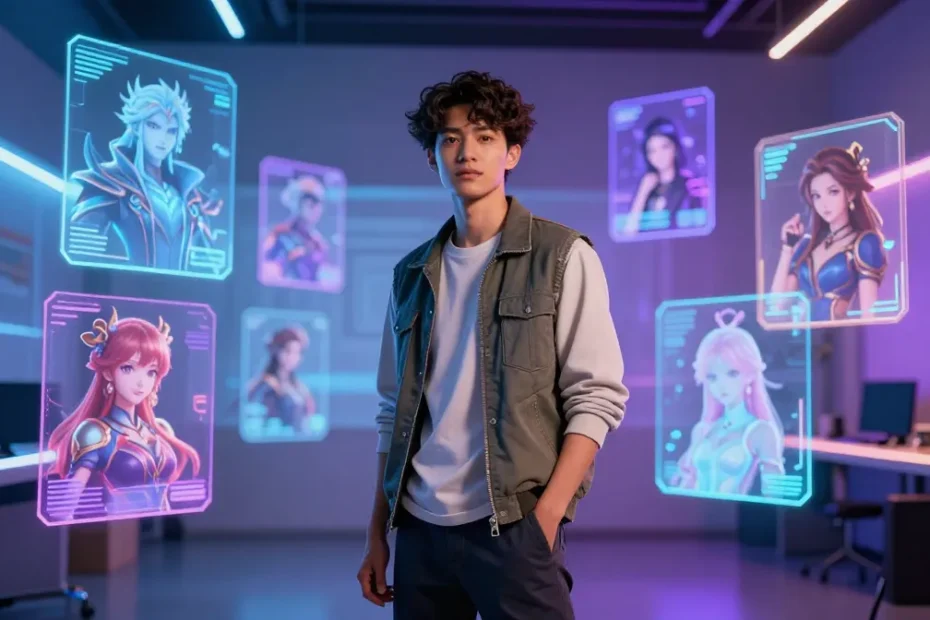
I’ve got a soft spot for AI avatars, because suddenly your wildest character ideas can jump off the screen and into reality. No more hunting for a celebrity lookalike or a pricey 3D rig—just pick a generator, feed it a vibe, and boom, a living, breathing digital you. If you’re a creator who wants to scale content fast without losing personality, you’re in the right corner of the internet.
What makes a great AI avatar generator for creators?
Choosing the right tool isn’t just about which one makes pretty faces. You want speed, control, and a dash of personality you can actually own. Look for:
- Versatility: different art styles, poses, and expressions.
- Customization: control over skin tone, hair, wardrobe, and accessories.
- Character consistency: the ability to reuse an avatar across multiple scenes without it turning into a chameleon.
- Output options: video, GIF, static images, and transparent backgrounds.
- Privacy and ownership: clear usage rights for the generated content.
Top picks you’ll actually want to use
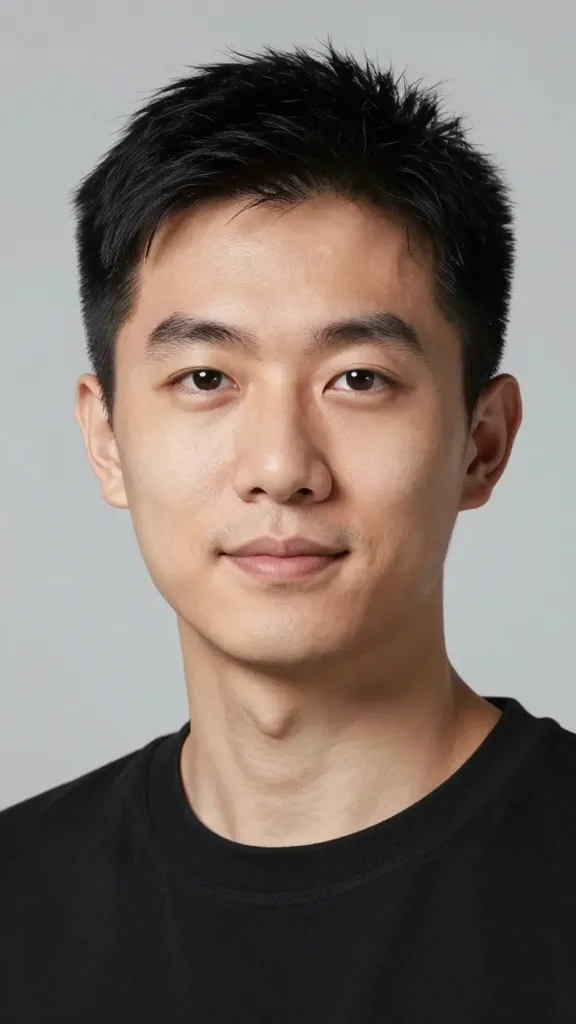
Here’s the quick lineup. I’ll tell you what each one nails and who it’s best for, so you don’t waste time chasing unicorns.
Stable Diffusion-based avatars: flexible, not fragile
What they are: These rely on a popular text-to-image framework that you can tailor with prompts and fine-tuning. They’re not one-click wonders, but they’re incredibly malleable.
Why creators love them:
- Cheap to scale once you get the hang of prompts.
- Wide range of styles from cartoony to photorealistic.
- Community-driven tools and models keep getting better fast.
How to get consistent results
– Start with a baseline prompt that defines your avatar’s core features (face shape, hair, skin tone).
– Lock in a few anchor expressions (happy, serious, surprised) and reuse them.
– Use negative prompts to ward off unwanted traits creeping in.
– Save your prompts and seed values; you’ll thank me later when you’re pushing out weekly episodes.
3D-ish avatar engines: for dynamic scenes and motion
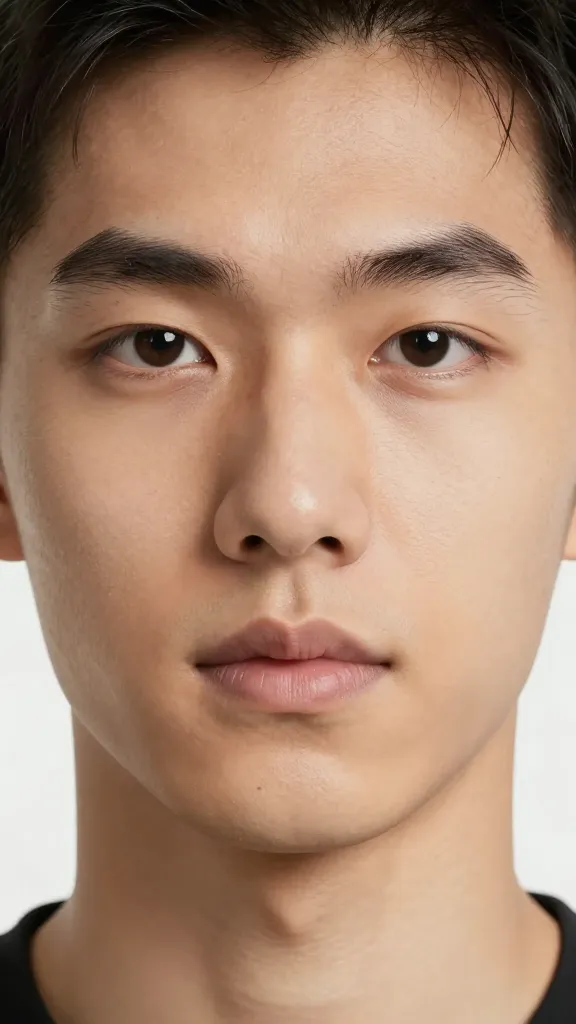
If you want talking heads or full-body avatars that can walk, dance, or fight robots in battles, these are your friends. They give you pose libraries and, often, simple rigging.
- Pros: believable motion, more options for outfit changes, better for long-form content.
- Cons: sometimes heavier on hardware, can require a steeper learning curve.
Best for creators who want to do more than a still image
If you’re building a weekly show, these help you keep the energy high without hiring a team.
Avatar studios with built-in personalities and voices
Want your avatar to talk with a recognizable cadence or a synthetic voice? Some platforms combine avatar visuals with TTS (text-to-speech) and emotion controls.
- Voice options range from neutral to characterful accents and quirks.
- Personality toggles let you dial in humor, formality, or sarcasm (careful with the sarcasm—FYI).
Subsection: voice consistency matters
– A talking head needs a believable voice that matches the avatar’s look.
– Test with a short script before you commit to a persona for a season.
– If the voice feels off, switch to a different TTS model rather than fighting it.
What about style and branding control?
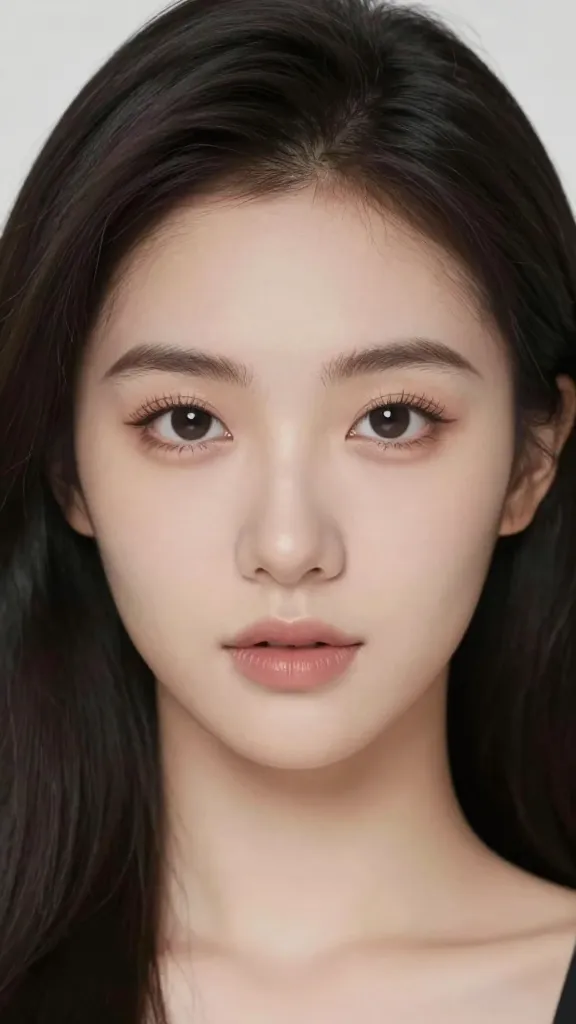
Your brand isn’t just a logo; it’s a vibe. You need an avatar that can mirror that consistently.
- Color palettes: keep your avatar’s hair, clothes, and accessories within your brand colors.
- Expression range: do you want a stoic host or a goofy sidekick? Pick tools that handle a broad emotional palette.
- Backgrounds and scenes: be sure you can drop your avatar into your usual templates or show formats (shorts, long-form, live streams).
Tips to avoid “avatar fatigue”
Even the best AI tools can lose their spark if you overuse them or push one look too far. Here’s how to keep things fresh.
- Rotate visual styles every few episodes—still keep core features consistent.
- Mix poses and camera angles to create variety without changing the character itself.
- Keep a bank of alternate outfits and accessories that fit your brand.
- Don’t forget small details: accessories, lighting, and micro-expressions can sell a scene.
Workflow ideas: how to make this practical
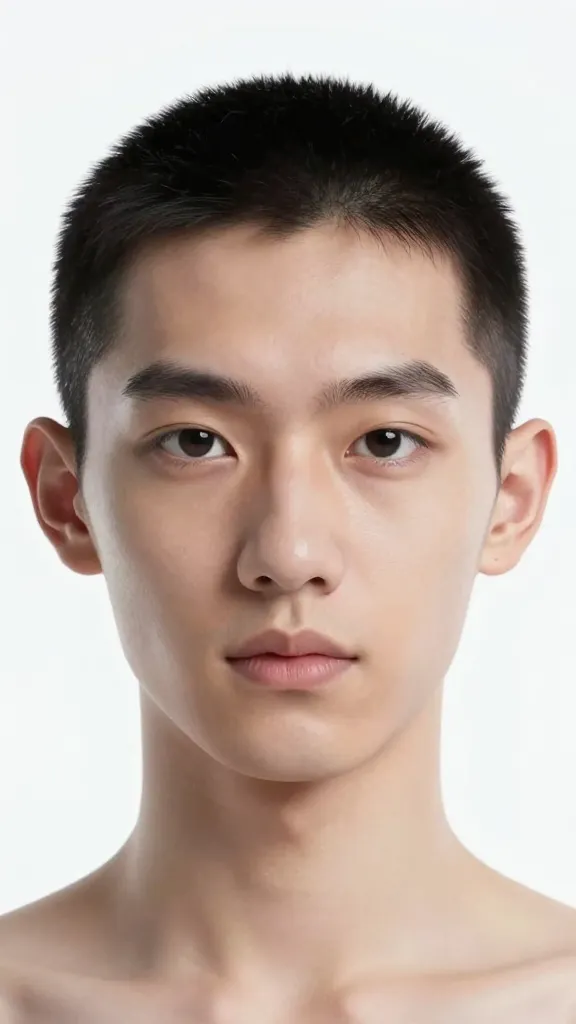
Here’s a practical, creator-friendly approach to integrating AI avatars into your content pipeline.
- Plan your series: outline 6–8 episodes with one avatar and one consistent voice.
- Draft prompts and prompts branches: save prompts for the same character in different moods.
- Batch-create assets: generate multiple outfits, expressions, and scenes in one go.
- Assemble in your editor: sync mouth movements with scripts, add music, and drop in prompts for captions.
FAQ
Do I own the rights to the avatars I generate?
Yes, most reputable AI avatar generators grant ongoing usage rights for the generated assets, often with commercialization permissions. Read the license terms to confirm whether you can monetize assets and whether you can alter them in future projects.
Can I reuse an avatar across multiple platforms?
Absolutely. The key is keeping a consistent look and tone. Export options like PNG, GIF, and video with transparent backgrounds make it easy to adapt to YouTube, TikTok, Twitch, and more.
What about realism versus stylization?
If you want ultra-realism, you’ll lean into high-detail 3D or photoreal models. For speed and personality, stylized or cartoonish looks often outperform in engagement. IMO, a bold, well-executed style beats a bland, photo-like face any day.
How much technical skill do I need?
You can start with simple, guided tools—drag-and-drop, presets, and prompts. As you grow, you’ll pick up more advanced features like prompt engineering, pose libraries, and scene scripting. Don’t worry, you won’t need a PhD in computer science.
Will AI avatars scream copyright issues?
There are debates and evolving policies, especially around using famous likenesses. If you’re creating a unique character, you’ll dodge most headaches. When in doubt, avoid impersonating real people or celebrities.
Conclusion
If you’re a creator who wants to level up content cadence without losing your vibe, AI avatars are your new best friend. You get scalable visuals, consistent branding, and the freedom to experiment with styles and formats. FYI, the best choice isn’t the one that looks the prettiest out of the box—it’s the one that slots cleanly into your workflow and keeps your audience hooked.
So, what are you waiting for? Dip a toe into a couple of these tools, pin down your avatar’s core traits, and start producing. Your future micro-celebrity self (the one that doesn’t need a makeup artist) will thank you.
EXPLORE MORE ON VIBE FOR CREATORS
Learn how to build sustainable income streams and grow with intention inside DIGITAL BUSINESS & INCOME .
Discover tools, platforms, and workflows that support your creative journey in CREATOR TOOLS & RESOURCES .
Discover how artificial intelligence is transforming the creator economy inside AI FOR CREATORS .
Explore powerful tools that help digital creators write, design, and grow faster in AI TOOLS FOR CREATORS .
Learn how to create virtual influencers, digital avatars, and AI-powered creator brands in AI AVATARS & VIRTUAL CREATORS .
Master Pinterest strategy, content creation, and long-term visibility with insights from PINTEREST & CONTENT STRATEGY .
Learn authentic marketing, branding, and audience connection inside MARKETING & BRAND TRUTHS .
Strengthen your confidence, clarity, and inner alignment through PERSONAL GROWTH & MINDSET .
Explore mindset shifts, creator confidence, and intentional growth in CREATOR MINDSET .
Download helpful resources, guides, and tools designed to support your journey in FREEBIES & PRINTABLES .