AI Avatars for YouTube Videos
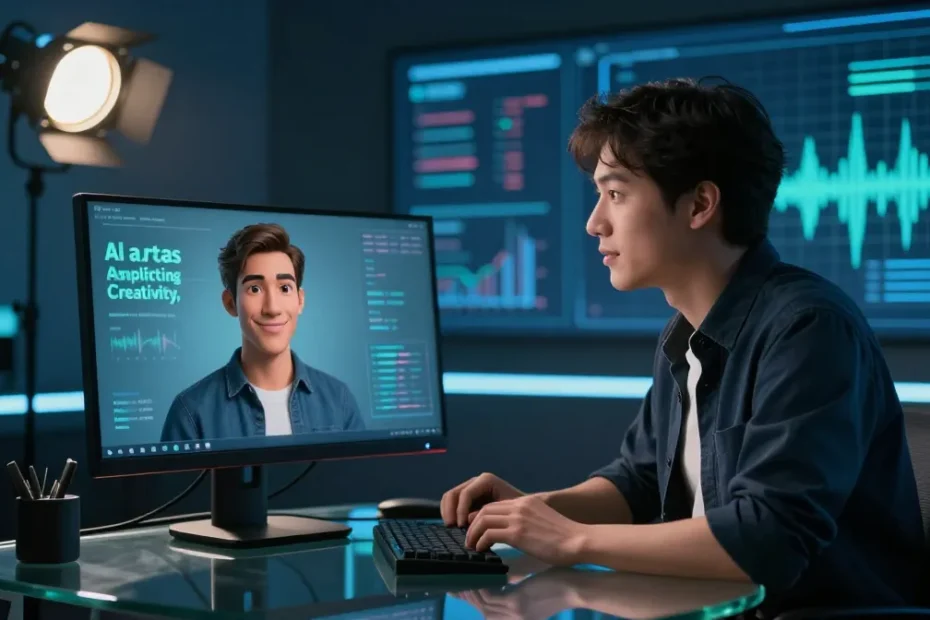
You’re curious, right? About skimming the edge of reality by swapping a human face for a digital doppelgänger. AI avatars on YouTube let you host, animate, and customize without sweating through makeup or late-night edits. It’s like having a virtual co-host who never takes a vacation. FYI, it’s not replacing you—it’s amplifying what you can create.
What AI Avatars Actually Do for YouTube
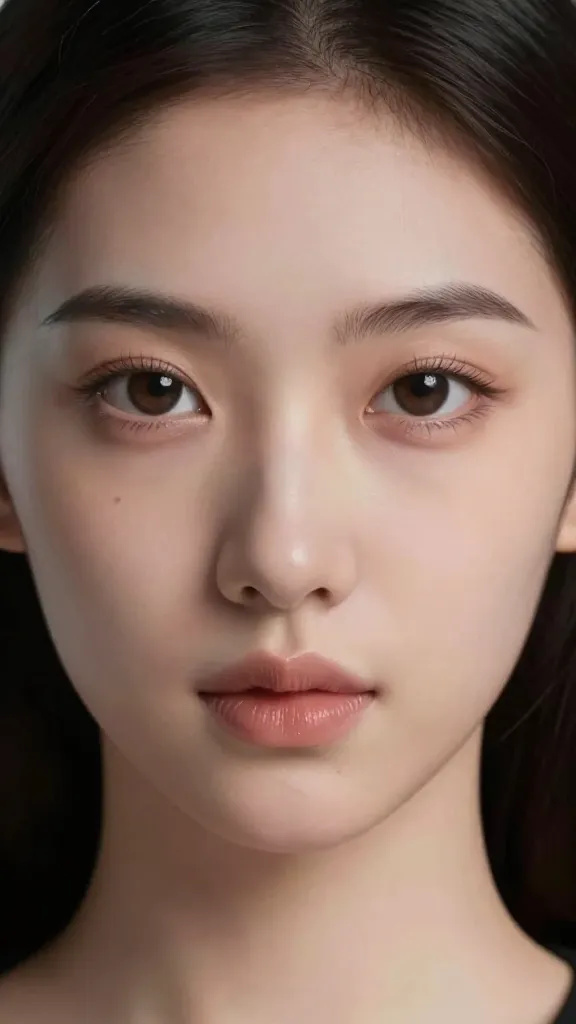
– They give you a face and voice that can play nice with your brand, style, and cadence.
– They handle on-camera talking, lip-sync, and expressions so you don’t have to sweat the small stuff.
– They scale across formats: tutorials, vlogs, explainers, and even live streams.
You can run a full show with an avatar as the star, or you can mix a real-friendly face with a digital partner. It’s all about what vibe you want to serve. Wondering whether to go full robot or keep a human touch? It’s not an either/or—just a spectrum you can tune.
Choosing the Right Avatar Tech for Your Channel
– Face and personality: Do you want a realistic-looking avatar or a stylized cartoon? Realistic vibes feel professional; cartoonish feels approachable and fun.
– Voice options: Real voices with AI lip-sync or synthetic voices that fit your tone. Pick something readable and consistent.
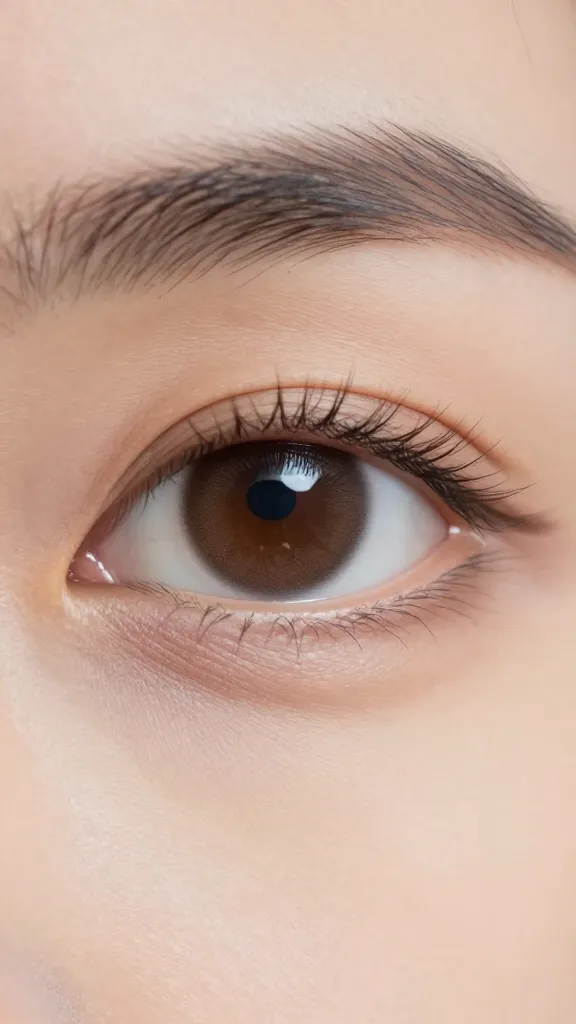
– Animation quality: Some tools offer natural eye movements and micro-expressions; others keep it simple with steady talking heads.
Tech Tiers: Quick Breakdown
– Starter tier: Basic avatar with fixed expressions and basic lip-sync. Quick setup, low cost, great for testing the waters.
– Mid tier: Dynamic expressions, gaze tracking, and smoother lip-sync. More engaging, less robotic.
– Power tier: Full body avatars, advanced motion capture, multi-language support, and streaming-ready pipelines. This is ‘go big or go home’ for serious creators.
How to Script, Record, and Lip-Sync Like a Pro
– Script with avatar in mind: Write with the avatar’s persona. Short sentences, punchy hooks, and clear calls to action.
– Lip-sync reality: Some tools auto-sync your voice to the avatar, others require you to upload an audio track. Test before you publish.
– Timing tricks: Keep clips under 60 seconds for social-friendly videos, but you can stretch longer for deeper dives if your avatar can handle it.
Common Pitfall: Mouth Movements Don’t Match
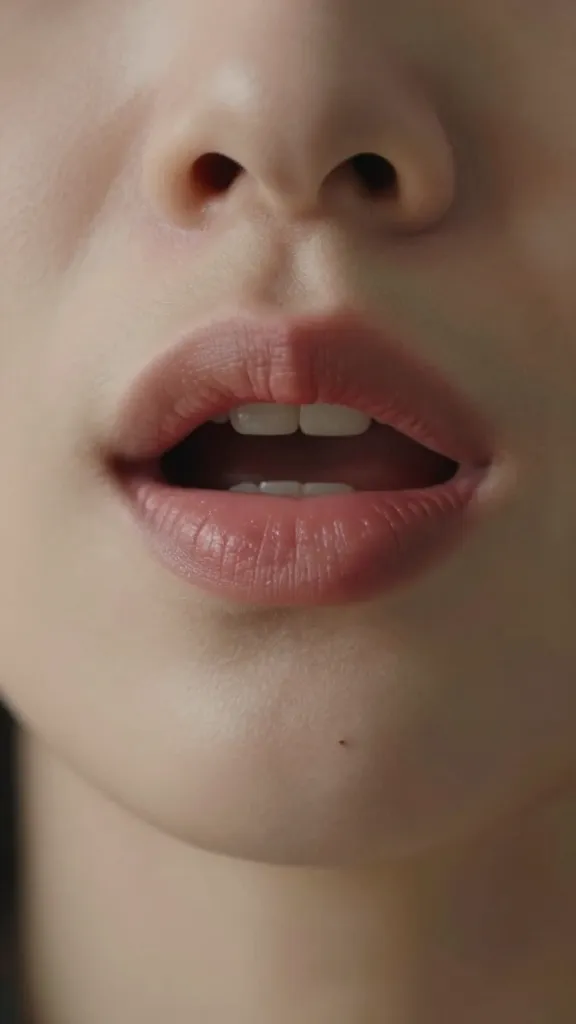
– Fix: Run a quick lip-sync pass, tweak phoneme settings, or adjust the timing so the jawline moves in sync with speech.
– Bonus tip: Add subtle breaths and occasional nods between sentences to feel more alive.
Creative Ways to Use AI Avatars on YouTube
– Co-host format: Let your avatar riff with you as the sidekick. You drive, the avatar adds flair.
– Avatar as narrator: For explainers and tutorials, the avatar can deliver key points while you show on-screen visuals.
– Language flexibility: Use avatars to switch languages without hiring multiple presenters.
– Serialized avatars: Create a recurring avatar persona with an ongoing story or theme.
Live Streaming with an Avatar
– Real-time interaction: Some tools support live lip-sync and facial tracking. Read chat, answer questions, keep the energy high.
– Setup sanity checks: Have a clear scene, stable mic, and a fallback plan if the tech hiccups.
– Engagement hack: Give your avatar signature phrases or catchphrases to reinforce branding.
Production Workflow: From Idea to Publish

– Pre-production: Define the avatar’s role, tone, and visual style. Create a simple storyboard or outline.
– Asset prep: Gather branding colors, logo, and any on-screen graphics the avatar will interact with.
– Recording: Record your script and your avatar’s actions in separate tracks if the tool supports it.
– Editing: Sync audio, polish transitions, and insert captions. Keep the avatar’s presence consistent across videos.
– Publishing: Add a catchy thumbnail and a description that mentions the avatar. Don’t forget SEO basics.
Workflow Tip: Reusable Templates
– Build template scenes for intros, outros, and mid-rolls.
– Save avatar poses and lip-sync presets so new videos publish faster.
– Create a content calendar and batch-produce episodes with the same avatar setup.
Ethics, Authenticity, and Best Practices
– Transparency: Let viewers know you’re using an AI avatar. It builds trust and sets expectations.
– Accessibility: Provide captions and a clear audio track so everyone can follow along.
– Consistency over novelty: More important than flashy features is a steady, recognizable avatar presence.
– Privacy and safety: Don’t reveal sensitive or personal information through your avatar. Maintain a clear boundary between your public persona and private life.
Biased Content and AI Watchouts
– Watch out for over-styled expressions that feel inauthentic. Subtlety beats realism if it keeps you relatable.
– If your avatar covers a sensitive topic, consider a human co-presenter or clear disclaimers to avoid miscommunication.
Monetization and Growth Opportunities
– Brand deals: An avatar can become a distinct property, enabling sponsorships around the character or persona.
– Cross-platform synergy: Use the same avatar on shorts, streams, and long-form content for cohesion.
– Merchandise potential: Avatar-branded assets, stickers, or virtual goods can become another revenue stream.
Pricing and ROI: Quick Guide
– Starter: Low monthly fees, quick wins, build audience data.
– Growth: Moderate spend on higher fidelity avatars, extra licensing for features, expand language support.
– Break-even mindset: If your avatar helps you publish more consistently and improve engagement, you’re likely in the green.
FAQ
Do AI avatars sound natural, or will viewers notice it’s software?
Most tools deliver surprisingly natural lip-sync and voice alignment, but enthusiasm and timing matter. If you keep the pacing tight and add occasional natural-sounding breaths, viewers won’t fixate on the tech. IMO, authenticity in your content beats a flawless mouth flap any day.
Can I use an AI avatar with existing video footage?
Yes. You can layer an avatar over slides, screen recordings, or green-screen footage. It’s a neat way to add personality to tutorials or reviews without re-shooting everything.
What about multilingual channels?
Many platforms offer multilingual avatars or the ability to switch voices. It’s a fantastic way to reach global audiences without hiring multiple presenters. FYI, consistency is key—keep the avatar’s look and vibe the same across languages.
Is there a risk of copyright or licensing issues?
Check licenses for the avatar software, voices, and any stock assets. Some tools allow commercial use but tiered licensing might limit monetization. Do a quick read-through of the terms and keep proof of usage for your records.
How do I measure success with an AI avatar?
Track retention, watch time, comments, and shares. Compare avatar videos to your traditional footage to see what sticks. Ask viewers for feedback in the comments—people love to weigh in on new tech.
Can I switch back to a real host later?
Absolutely. You can phase the avatar in and out, or run hybrid formats where you appear on camera in some episodes and not others. Flexibility is the big advantage here.
Conclusion
AI avatars aren’t a gimmick; they’re a versatile toolkit for storytelling on YouTube. They let you scale your presence, experiment with new formats, and keep your brand consistent across videos. If you’ve ever wished for a sidekick who never forgets a line, a bit of extra flair, and the ability to go multilingual without hiring a squad, this is your sign to give it a try. IMO, the best approach is to start small, measure what sticks, and let the avatar grow with your channel. Ready to bring your avatar to life? Let’s roll.
EXPLORE MORE ON VIBE FOR CREATORS
Learn how to build sustainable income streams and grow with intention inside DIGITAL BUSINESS & INCOME .
Discover tools, platforms, and workflows that support your creative journey in CREATOR TOOLS & RESOURCES .
Discover how artificial intelligence is transforming the creator economy inside AI FOR CREATORS .
Explore powerful tools that help digital creators write, design, and grow faster in AI TOOLS FOR CREATORS .
Learn how to create virtual influencers, digital avatars, and AI-powered creator brands in AI AVATARS & VIRTUAL CREATORS .
Master Pinterest strategy, content creation, and long-term visibility with insights from PINTEREST & CONTENT STRATEGY .
Learn authentic marketing, branding, and audience connection inside MARKETING & BRAND TRUTHS .
Strengthen your confidence, clarity, and inner alignment through PERSONAL GROWTH & MINDSET .
Explore mindset shifts, creator confidence, and intentional growth in CREATOR MINDSET .
Download helpful resources, guides, and tools designed to support your journey in FREEBIES & PRINTABLES .