Artificial Intelligence is transforming the way creators work — from content writers and designers to video editors and social media managers.
If you’re a digital creator in 2025, the difference between staying ahead or falling behind lies in one thing: how you use AI tools.
This guide breaks down the 10 must-have AI tools that can revolutionize your creative process, save hours, and help you grow faster than ever.
ChatGPT – Your Creative Writing Partner
If you’re writing blog posts, captions, scripts, or emails — ChatGPT is your all-in-one creative assistant.
Powered by GPT-5-level models, it generates ideas, outlines, or entire drafts in seconds.
Why It’s a Must-Have
- Generates creative ideas and scripts fast
- Improves writing tone and clarity
- Offers brainstorming support for headlines, hooks, and copy
Pro Tip
Use ChatGPT to create content outlines, then polish them in your own voice for authenticity.
Combine it with Grammarly for perfect tone and readability.
Notion AI – For Organized Creative Thinking
Notion AI is more than a note-taking tool — it’s a creative hub.
It integrates AI to help you summarize ideas, brainstorm, and organize projects seamlessly.
Best For
- Bloggers managing content calendars
- Designers planning creative campaigns
- Teams sharing real-time updates
Standout Feature
Ask Notion AI to summarize long research docs or generate creative briefs instantly.
It saves 4–5 hours weekly for most creators.
Midjourney – For Stunning Visual Creations
If you create visual content for blogs, YouTube thumbnails, or Pinterest pins, Midjourney is the AI artist you need.
It produces hyper-realistic, cinematic, and artistic visuals from short prompts.
Why It’s Revolutionary
- Generates unique, copyright-free visuals
- Supports various artistic styles (photorealistic, fantasy, flat design)
- Perfect for content branding and storytelling
💡 Pro Tip: Use short, descriptive prompts for clarity (e.g., “minimalist desk flat lay, soft light, clean design”).
Runway ML – For AI Video Editing
Video is king in 2025 — and Runway ML makes editing effortless.
It uses AI to remove backgrounds, generate scenes, enhance visuals, and even create full video clips from text.
Top Features
- Text-to-video generation
- AI-powered motion tracking
- Automatic background removal
- Instant subtitle creation
Perfect for YouTubers, marketers, and educators who want cinematic content — without spending hours editing.
Descript – For Audio & Video Storytelling
Descript is an AI-powered video and podcast editing suite that feels like working in a word processor.
You can edit videos by editing the text transcript — a game changer for creators.
Why You’ll Love It
- Edit videos by deleting words
- AI voice cloning for narration
- Automatic captions and filler-word removal
Creators use it for YouTube scripts, podcasts, and short-form videos — saving hours on tedious editing.
Jasper AI – For Marketing & Copywriting
Jasper AI (formerly Jarvis) helps you write marketing content that converts — from product descriptions to ad headlines and email campaigns.
What Makes It Powerful
- Prebuilt templates for SEO, blogs, and ads
- Brand tone customization
- Integration with Surfer SEO for ranking optimization
🔥 Pro Tip: Use Jasper’s “Content Improver” tool to rewrite dull text into engaging, high-converting copy.
Leonardo AI – For Design & Branding
If Midjourney is the artist, Leonardo AI is the designer.
It’s perfect for creating logos, banners, Pinterest pins, and brand visuals that look studio-made.
Why It’s Great for Creators
- Consistent style generation (great for branding)
- Realistic lighting and typography rendering
- Custom upscaling and detail editing
Use Leonardo for social media graphics, ebook covers, and ad visuals — all within minutes.
Synthesia – For AI Video Presenters
Don’t want to be on camera?
Synthesia lets you generate realistic AI avatars who present your content naturally.
Best For
- Course creators
- Corporate trainers
- YouTube explainers
You just upload your script, choose an avatar, and Synthesia creates a full HD video with voiceover — no filming needed.
OpusClip – For Short-Form Video Reels
Short-form content dominates Instagram, TikTok, and YouTube Shorts — and OpusClip is the secret weapon behind viral videos.
Key Benefits
- AI identifies your best moments
- Auto-generates captions, hashtags, and subtitles
- Cuts long videos into engaging reels
⚡ Pro Tip: Repurpose podcast or webinar clips into short viral content using OpusClip’s “AI Highlights” feature.
Canva Magic Studio – The All-in-One AI Suite
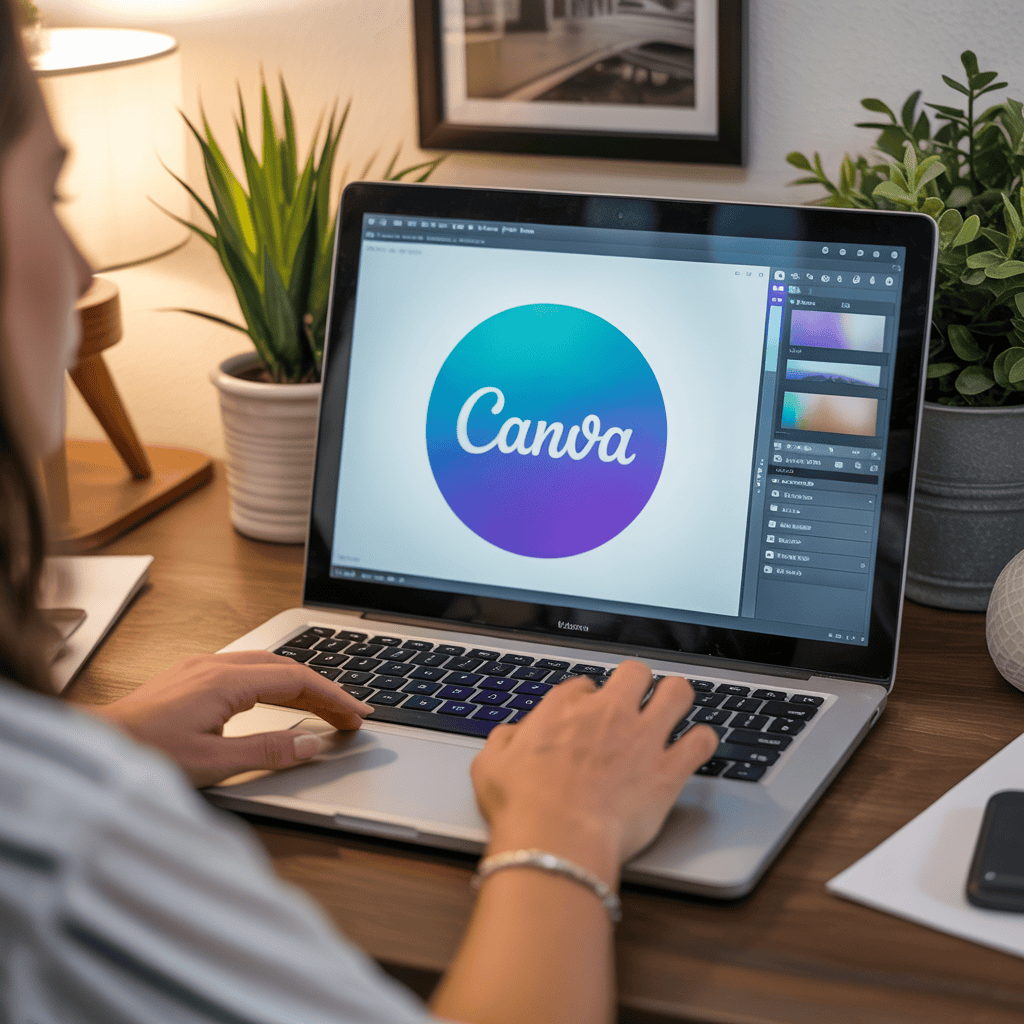
The familiar Canva has evolved into an AI-powered design ecosystem.
The new Magic Studio tools automate graphic creation, photo editing, and content planning.
Top Magic Features
- Magic Write: AI copywriting inside Canva
- Magic Edit: Remove or replace image elements instantly
- Magic Resize: Auto-adapts designs for all platforms
No design degree needed — just creativity and a few clicks.
Why These 10 Tools Matter for Creators

AI isn’t replacing creators — it’s empowering them.
The right tools help you save time, improve quality, and scale your creativity.
- You create faster without burnout.
- You focus more on ideas, not manual work.
- You produce consistent, brand-worthy results.
The future of digital creation belongs to those who embrace AI as a partner, not a threat.
How to Integrate These Tools Efficiently
| Goal | Recommended Tools | Benefit |
|---|---|---|
| Content Writing | ChatGPT, Jasper AI | Faster drafts, improved creativity |
| Design & Visuals | Leonardo AI, Midjourney, Canva | Stunning graphics in minutes |
| Video & Audio | Runway ML, Descript, Synthesia | Streamlined production |
| Organization | Notion AI | Structured workflows |
| Social Growth | OpusClip | Repurpose content effortlessly |
The Future of Creation: Humans + AI
By 2025, creators who master AI workflows will dominate online visibility.
But remember — technology amplifies creativity, not replaces it.
The best creators use AI to free up mental space, explore new ideas, and connect deeper with audiences.
Conclusion
AI has shifted from a luxury to a necessity.
By combining tools like ChatGPT, Midjourney, Runway, and Notion AI, you can produce professional-level work effortlessly.
Start small: pick 2–3 tools from this list and integrate them into your weekly workflow.
Within weeks, you’ll see your speed, creativity, and content quality skyrocket.
👉 Ready to create smarter in 2025?
Explore these tools and start building your future today.
FAQ – Frequently Asked Questions
1. Are AI tools replacing human creativity?
No — they enhance it. AI handles repetitive tasks so creators can focus on storytelling, design, and emotion.
2. What’s the best free AI tool for creators?
ChatGPT (free tier) and Canva Magic Studio offer robust free plans ideal for beginners.
3. Which AI tools are best for YouTubers?
Runway ML, Descript, and OpusClip help edit, repurpose, and optimize videos efficiently.
4. Are AI-generated images safe for commercial use?
Yes — tools like Leonardo AI and Midjourney offer commercial usage rights depending on your plan.
5. How can creators avoid looking “too robotic”?
Always add your human touch — voice, humor, or real experience. Use AI as your assistant, not replacement.
6. What’s the most important AI trend for creators in 2025?
Integrated creative ecosystems — platforms combining writing, design, and analytics in one workspace.
EXPLORE MORE ON VIBE FOR CREATORS
Learn how to build sustainable income streams and grow with intention inside DIGITAL BUSINESS & INCOME .
Discover tools, platforms, and workflows that support your creative journey in CREATOR TOOLS & RESOURCES .
Discover how artificial intelligence is transforming the creator economy inside AI FOR CREATORS .
Explore powerful tools that help digital creators write, design, and grow faster in AI TOOLS FOR CREATORS .
Learn how to create virtual influencers, digital avatars, and AI-powered creator brands in AI AVATARS & VIRTUAL CREATORS .
Master Pinterest strategy, content creation, and long-term visibility with insights from PINTEREST & CONTENT STRATEGY .
Learn authentic marketing, branding, and audience connection inside MARKETING & BRAND TRUTHS .
Strengthen your confidence, clarity, and inner alignment through PERSONAL GROWTH & MINDSET .
Explore mindset shifts, creator confidence, and intentional growth in CREATOR MINDSET .
Download helpful resources, guides, and tools designed to support your journey in FREEBIES & PRINTABLES .