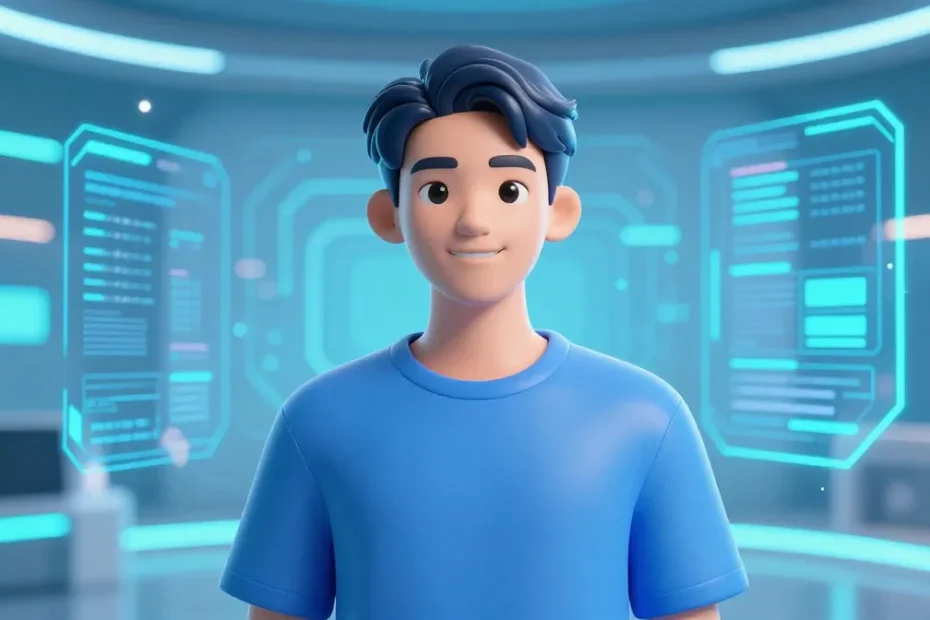
I’m obsessed with the idea that your online presence can be shaped like a slick, futuristic version of you. An AI avatar that speaks your vibe, not your webcam’s awkward angle. Let’s dive into how to create one that slays on social media without turning into a digital nightmare.
Define your avatar’s vibe before you build
Ask yourself: What do I want followers to feel when they see me? Do I want to be goofy, professional, mysterious, or totally offbeat? The answers guide everything from style to captions. The goal isn’t to be everyone; it’s to be unmistakably you.
- Pick a niche tone: playful, expert, bold, or chill.
- Decide on a visual style: cartoonish, photorealistic, or minimal vector.
- Set boundaries: what topics are in bounds, what’s off-limits, and how witty you want to be.
Choose your avatar style: photoreal, illustrative, or hybrid
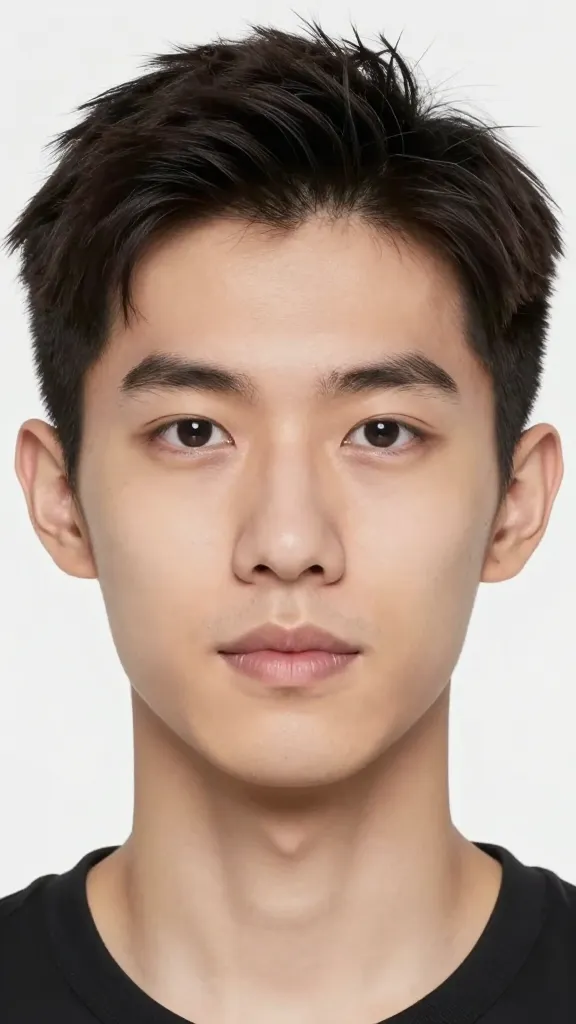
There’s a whole spectrum, and you don’t have to pick just one forever. Start with a style that feels doable and scalable.
Photorealistic avatars
If you want “real you” without filming yourself every day, photoreal avatars can work. Tool-wise, you’ll use 3D modeling, lighting, and texture maps to achieve a lifelike look. It’s impressive, but it can be maintenance-heavy and expensive. FYI, the more real you want it, the more you’ll chase tiny details.
Illustrative and cartoons
These are forgiving and highly adaptable. A stylized avatar can emphasize branding colors and exaggerate expressions for engagement. They’re easier to produce in volume and scale across platforms.
Hybrid approaches
Mash two styles together: a clean vector silhouette with textured, painterly shading. This gives you versatility—bold posts, then nuanced stories—with less effort than full photorealism.
Pick the tools that fit your budget and energy
You don’t need a Hollywood studio to get a great avatar. Start with what you have, then upgrade.
- Avatar generators: quick, fun, and often free or cheap. Great for experimenting with vibe.
- 3D software: Blender or Maya for serious customization. Cool, but steeper learning curve.
- AI portrait editors: AI upscalers, style transfer, and lighting tweaks to polish renders.
- Character rigs and motion: simple face rigs or expression packs to animate micro-expressions.
Build a consistent brand kit (colors, shapes, and sounds)

Consistency is your friend. If your avatar wears a certain color palette and a signature vibe, people will recognize you in a scroll-stopping blink.
- Colors: pick 2–3 main hues and a couple of neutrals for balance.
- Shapes: round corners feel friendly; sharp angles feel bold. Decide which aligns with your personality.
- Typography: if you show text with your avatar, choose a font family that matches your tone.
- Audio cues: a short sound bite or a signature vocal effect can become a recognizable audio signature.
Storytelling with your avatar: when and how to speak
Your avatar isn’t just a pretty face. It’s a character with potential for narrative. Plan how it communicates.
Voice and cadence
Decide if your avatar talks like a friendly neighbor or a sharp professional. Keep sentences crisp, punchy, and scannable. Do you want witty one-liners or longer, thoughtful notes? IMO, mix both: hook with a joke, then drop value.
Content formats that work
Bytes-friendly formats win on social:
- Short videos with captions
- Animated reels or loops
- Carousel tips with quick bites per slide
- Behind-the-scenes with a personal touch
Make it interactive: prompts, Q&As, and micro-ads for engagement

An avatar shines when followers can interact. Leave space for responses and create recurring formats.
- Weekly Q&A: followers ask questions, avatar responds in a signature voice.
- Prompt challenges: give followers a prompt and show the avatar’s take.
- Mini-tutorials: 15–30 seconds of hands-on tips from your avatar’s perspective.
- Calls-to-action: subtle prompts to save, share, or follow for more.
Accessibility and ethics: keep it real and respectful
Your avatar should reflect you while respecting boundaries and audience diversity.
- Clear labeling: identify the avatar as AI-generated when appropriate to avoid deception.
- Inclusive design: diverse representation, readable text, and accessible color contrast.
- Consent and licensing: use licensed assets, especially if you monetize.
Deployment and iteration: test, learn, and level up
Your first version won’t be perfect, and that’s fine. The real magic happens when you iterate.
- Publish a small batch: post 5–10 pieces to test tone and visuals.
- Analyze engagement: which formats and topics get the most love?
- Refine visuals: tweak lighting, color balance, or motion based on data.
- Scale gradually: add new outfits, expressions, or scenes as you grow comfortable.
Tech tip: backup and version control
Keep a few character sheets: pose libraries, color palettes, and a naming convention for assets. It saves you hours when you want to remix or expand.
FAQ
How much does it cost to create an AI avatar for social media?
Costs vary. You can start with free or cheap generator tools, which are perfect for testing vibes. If you want customization and higher quality, you’ll invest in software, assets, and possibly a designer. Plan for a few hundred to a few thousand dollars if you scale into pro-grade visuals.
Do I need to hire a designer or animator?
Not always. Beginners can get far with ready-made assets and tutorials. If you want a unique, highly polished look that stands out, a designer or animator can be worth it. FYI, collaboration speeds up progress and adds a professional touch.
Is AI-generated content allowed on all platforms?
Mostly yes, but each platform has rules about authenticity and disclosure. Always label AI-generated visuals when required or when it helps trust. Some brands still request human-authored content, so know your platform’s norms.
How often should I post with my avatar?
Post consistency beats intensity. Start with 3–5 pieces per week, then adjust based on engagement. If you can, mix formats to keep things fresh—short videos, carousels, and occasional captions with your avatar’s face.
What should I do if people don’t respond well to the avatar?
Tweak, don’t abandon. Revisit tone, color, and topics. Ask for feedback in a casual way and A/B test small changes. Social media rewards experimentation, so stay curious and flexible.
Conclusion
Your AI avatar is a gateway to a more efficient, expressive online presence. It can humanize automation, give you a repeatable creative system, and help you stand out in a crowded feed. Start with a clear vibe, pick a style you can sustain, and build a simple brand kit. Then iterate like a pro: test, learn, adapt, repeat. FYI, the best avatars feel alive because they strike a balance between personality and clarity. If you want to keep the conversation going, drop your favorite avatar style in the comments and we’ll brainstorm ideas together.
EXPLORE MORE ON VIBE FOR CREATORS
Learn how to build sustainable income streams and grow with intention inside DIGITAL BUSINESS & INCOME .
Discover tools, platforms, and workflows that support your creative journey in CREATOR TOOLS & RESOURCES .
Discover how artificial intelligence is transforming the creator economy inside AI FOR CREATORS .
Explore powerful tools that help digital creators write, design, and grow faster in AI TOOLS FOR CREATORS .
Learn how to create virtual influencers, digital avatars, and AI-powered creator brands in AI AVATARS & VIRTUAL CREATORS .
Master Pinterest strategy, content creation, and long-term visibility with insights from PINTEREST & CONTENT STRATEGY .
Learn authentic marketing, branding, and audience connection inside MARKETING & BRAND TRUTHS .
Strengthen your confidence, clarity, and inner alignment through PERSONAL GROWTH & MINDSET .
Explore mindset shifts, creator confidence, and intentional growth in CREATOR MINDSET .
Download helpful resources, guides, and tools designed to support your journey in FREEBIES & PRINTABLES .