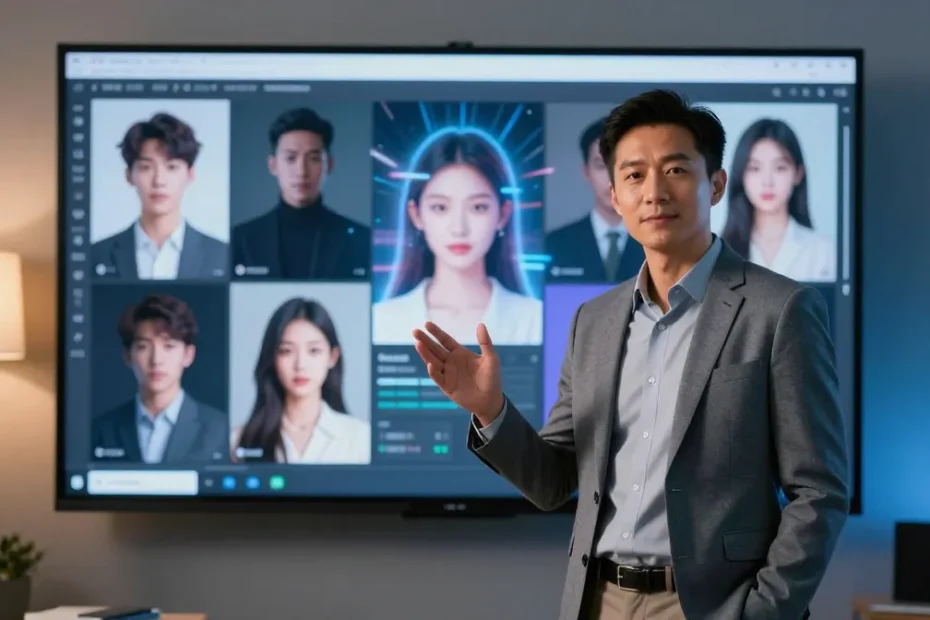
I’m not saying you should quit your day job to become a full-time movie director, but you might want to steal a page or two from the world of AI video avatars. These tools let you swap your face, voice, or vibe with next‑level slickness—without the crew of a thousand. If you’re curious which platforms actually deliver, you’re in the right coffee-fueled corner of the web.
What makes a great AI video avatar tool, anyway?
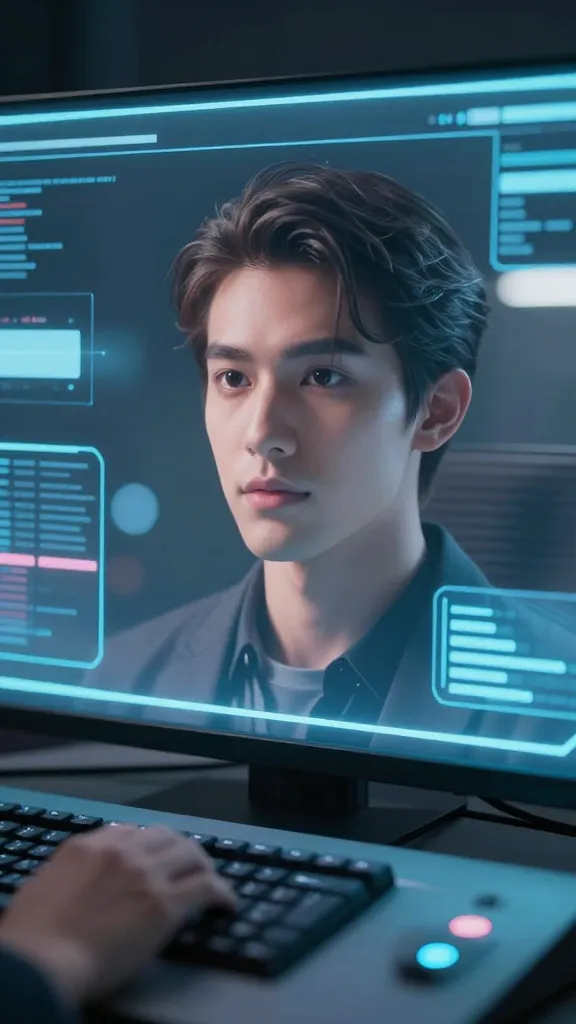
So you’re shopping for an avatar that doesn’t look like a ransom note sewn from stock photos. Here’s what to look for, in plain English:
– Realism without the weird uncanny valley vibes
– Easy-to-use interfaces that won’t require a PhD in animation
– Flexible input options (text-to-speech, video lip-sync, motion capture)
– Subtitles, background options, and soundtrack controls
– Reasonable pricing and fair terms of use
If a tool checks most of these boxes, you’re probably onto something solid. If it checks all of them, you’ve hit the jackpot.
Top picks: 5 standout AI video avatar tools
1) AvatarForge: the “plug-and-play” powerhouse
AvatarForge is the kind of tool you fire up and almost instantly feel like a movie director. It excels at turning a simple photo or short video into a talking avatar with surprisingly natural mouth movements. The interface is clean, and the presets cover a lot of genres—streaming intros, explainer videos, you name it.
– Pros: fast setup, good lip-sync, approachable pricing
– Cons: customization options can feel a bit limited if you want ultra-specific facial features
– Best for: quick branding clips and mid-week content bursts
2) VoiceTake Studio: sound first, visuals second
If your priority is making a voice-driven avatar that sounds like a real person (or at least a convincing synthesized voice), VoiceTake Studio nails it. It gives you dramatic control over pitch, cadence, accent, and emotion, so your avatar can actually sound like your vibe.
– Pros: strong voice controls, natural-sounding TTS, good for long-form content
– Cons: video output quality depends on the source footage
– Best for: tutorials with a distinct narrator voice or personal branding channels
3) MotionMimic: cinema-grade motion capture on a budget
MotionMimic leans into motion capture without requiring a full studio. Point a camera at yourself or at a performer, map the movements, and let the avatar mirror it in real time. It’s surprisingly flexible for action-focused clips.
– Pros: strong movement realism, decent price, good for dynamic scenes
– Cons: setup can feel fiddly if you’re new to mocap
– Best for: product demos with lots of physical action or athletic showcases
4) StudioFace: the all-in-one creator’s Swiss Army knife
StudioFace aims to be your one-stop shop: character creation, lip-sync, background environment, and green screen options all in one place. It’s a solid middle-ground pick for creators who want more than “talking head” but less complexity than a full VFX rig.
– Pros: feature-rich, decent ecosystem of assets, solid customer support
– Cons: a la carte pricing can add up
– Best for: multi-scene explainer videos and branded storytelling
5) RealPersona: hyper-personalized characters
RealPersona focuses on creating avatars that resemble real people or highly stylized characters with a lot of personality. If you care about the “soft edges” of skin textures and nuanced facial expressions, this one might be your favorite.
– Pros: high fidelity, expressive range, good for character-driven stories
– Cons: premium pricing, learning curve
– Best for: premium marketing videos and narrative shorts
How these tools handle face, voice, and movement
– Lip-sync: Most tools use automated mouth shapes mapped to phonemes. The goal is to avoid that robotic “da-da” cadence—look for natural timing and springy jaw movements.
– Voice: Text-to-speech is the bread and butter here. Some tools let you import your own voice or fine-tune emotion and pacing. FYI, not all voices are equal, so audition a few samples before committing.
– Motion: If you want realism, you’ll care about micro-expressions and body language. Some platforms rely on preset gestures, others offer full mocap rigs or camera-based tracking.
Subsection: tweaking the vibe without breaking the bank
– Start with a free trial or monthly plan to test a few avatars.
– Swap voice and motion profiles to match your brand’s personality.
– Use simple backdrops first, then layer in environments for depth.
Best practices to get cinematic results on a tiny budget
– Plan your script like a mini-film: hooks up front, a clear throughline, and a call to action.
– Use clean lighting and a monochrome or simple background to reduce tracking errors.
– Keep avatars within a close camera frame to avoid detail loss on cheaper setups.
– Test multiple avatars for tone: a slightly more formal voice for corporate pieces and a playful one for social content can dramatically shift engagement.
– Save reusable templates: intros, outros, and lower-thirds let you publish quickly without reinventing the wheel each time.
Ethics and ownership: what you should know
– Data privacy: read the terms about training data and model usage. Some platforms promise you own the outputs, others reserve some rights.
– Deepfake concerns: if you’re using a real person’s likeness, make sure you have consent and a clear usage plan.
– Transparency: let viewers know when they’re watching synthetic avatars. A quick disclaimer keeps you on the right side of trust.
Pricing dives: what to expect
– Subscriptions: most tools offer monthly plans with tiered features. If you’re creating weekly content, a mid-tier plan is usually enough.
– Pay-as-you-go: great for one-off projects, but be mindful of per-minute or per-clip fees.
– Extra assets: backgrounds, motion packs, and voice packs can add up. Budget for an asset library if you’re planning a long-term channel.
FAQ
Can I use AI video avatars for social media stories?
Absolutely. Most tools support vertical video formats and short clips that work great for stories. Just tailor the framing and captions to fit the vertical canvas, and you’re good to go.
Do I need to be a video editor to use these tools?
Not at all. The sweet spot for these platforms is “no heavy editing needed.” You’ll still want basic editing to trim clips and add captions, but you won’t need After Effects wizardry to get polished results.
Are there privacy risks with face-based avatars?
There can be. Some tools store data to improve models, and some allow you to upload your own likeness. Read the privacy policy, download your data if the option exists, and use agencies or avatars you trust.
What’s the quickest way to publish a branded avatar video?
Pick a tool with a ready-made brand kit, prerendered templates, and easy export options. Create a short script, choose your avatar and voice, run through a quick lip-sync pass, add your logo and colors, then export in the desired format. Boom—ready to post.
How natural do these avatars look in motion?
Depends on the platform and the content. A lot of avatars deliver convincing lip-sync and expressive eyes, but you’ll notice slight quirks in complex facial micro-expressions. If your content hinges on believable nuance, test several options and pick the one that nails your vibe.
Conclusion
If you’ve been waiting for a sign to try AI video avatars, here it is: today’s tools are capable, approachable, and surprisingly fun to experiment with. Pick a platform that matches your goals—whether you want snappy social clips, polished tutorials, or character-driven narratives—and start testing. FYI, the right avatar can turn a bland script into something with personality and momentum. So go on, press record, pick your avatar, and see what happens. The audience might just follow your character, not you—though you’ll still be the one steering the ship.
EXPLORE MORE ON VIBE FOR CREATORS
Learn how to build sustainable income streams and grow with intention inside DIGITAL BUSINESS & INCOME .
Discover tools, platforms, and workflows that support your creative journey in CREATOR TOOLS & RESOURCES .
Discover how artificial intelligence is transforming the creator economy inside AI FOR CREATORS .
Explore powerful tools that help digital creators write, design, and grow faster in AI TOOLS FOR CREATORS .
Learn how to create virtual influencers, digital avatars, and AI-powered creator brands in AI AVATARS & VIRTUAL CREATORS .
Master Pinterest strategy, content creation, and long-term visibility with insights from PINTEREST & CONTENT STRATEGY .
Learn authentic marketing, branding, and audience connection inside MARKETING & BRAND TRUTHS .
Strengthen your confidence, clarity, and inner alignment through PERSONAL GROWTH & MINDSET .
Explore mindset shifts, creator confidence, and intentional growth in CREATOR MINDSET .
Download helpful resources, guides, and tools designed to support your journey in FREEBIES & PRINTABLES .